

Messenger aggregator in the unified window
Stable communication and effective dialogues for the revenue growth and increased awareness of the company!
Free integration of communication channels in Kommo for efficient work of all employees.
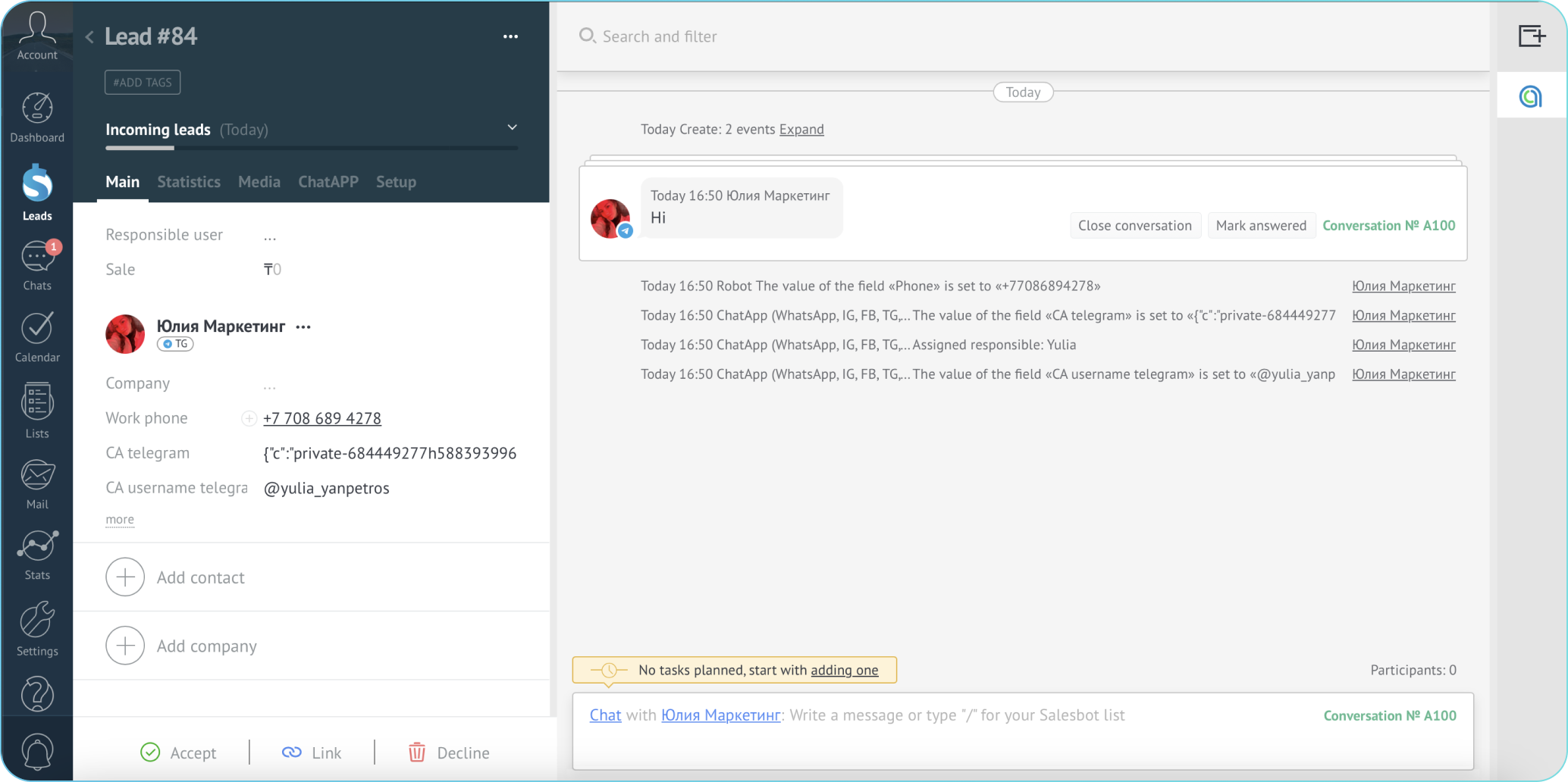
Pay only for the channels, write first from CRM, use bots in SalesBot, automate work processes to reduce operational expenses.
Free integration of communication channels in Bitrix24 to optimize any business processes.
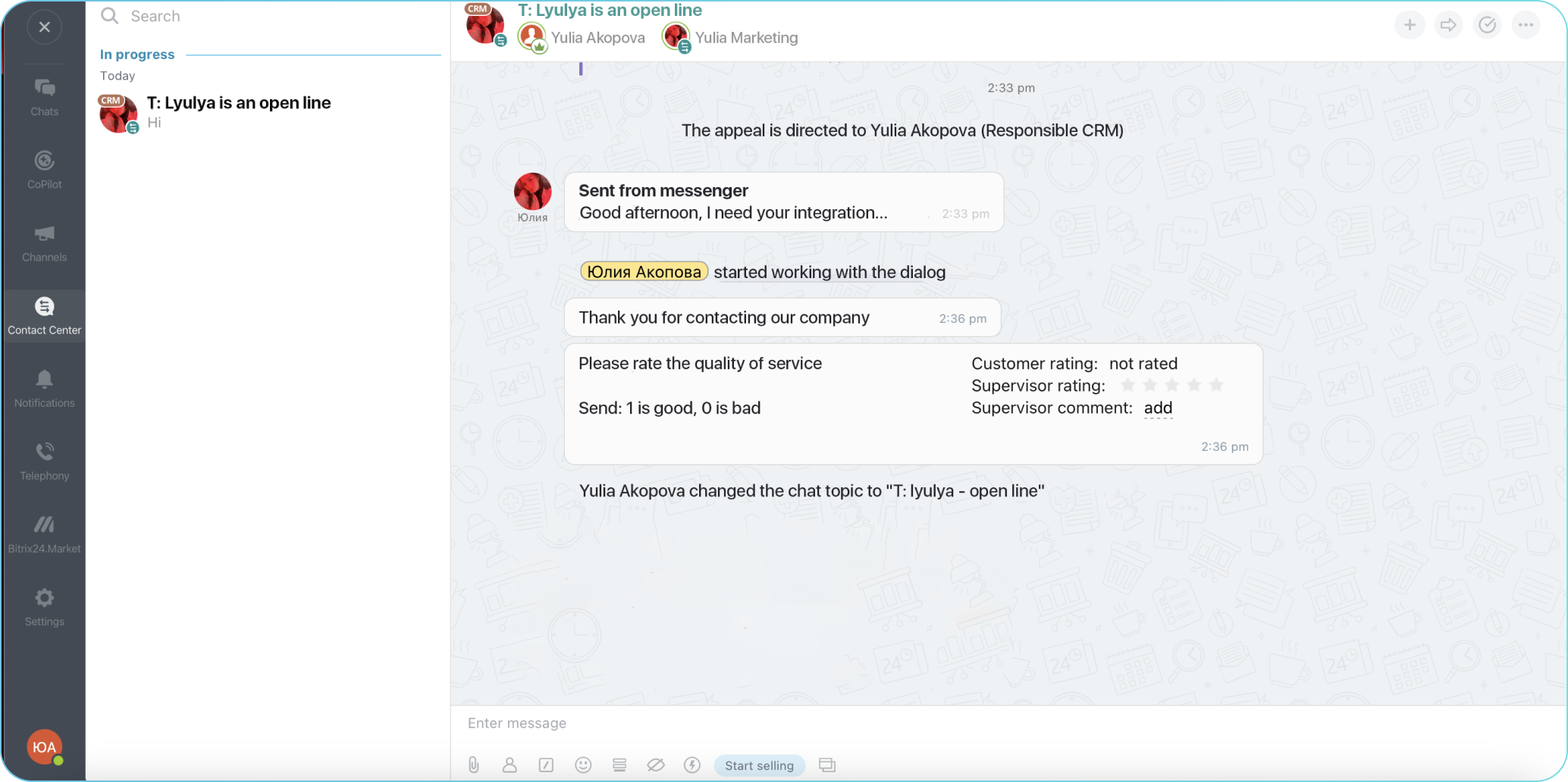
Reduce costs by enabling your team to work efficiently with messengers through Bitrix24 tools such as mailing, bots, feedback, and more.
Cloud contact center for companies operating without CRM.
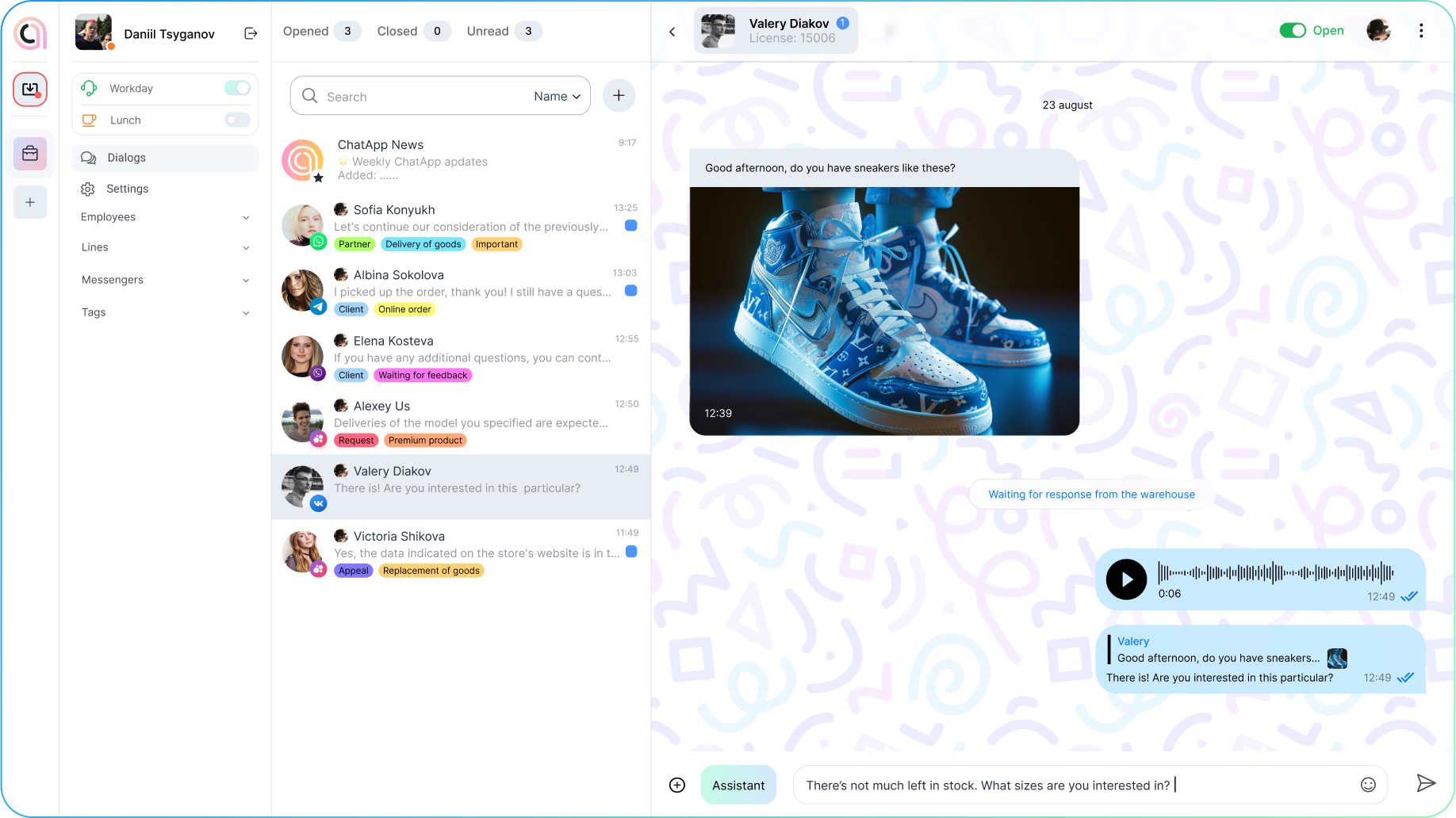
Optimize employee work through a unified window of messengers with handy dialogue processing tools.
Automate customer chats
Communicate with customers from different messengers and channels in a single interface
Integrations


Integrations
Products
Free integration of communication channels in Kommo for efficient work of all employees.
Pay only for the channels, write first from CRM, use bots in SalesBot, automate work processes to reduce operational expenses.
Free integration of communication channels in Bitrix24 to optimize any business processes.
Reduce costs by enabling your team to work efficiently with messengers through Bitrix24 tools such as mailing, bots, feedback, and more.
A unified system for customer service improving. Messenger marketing.
Revenue growth by automating customer appointments with specialists using bot administrators.
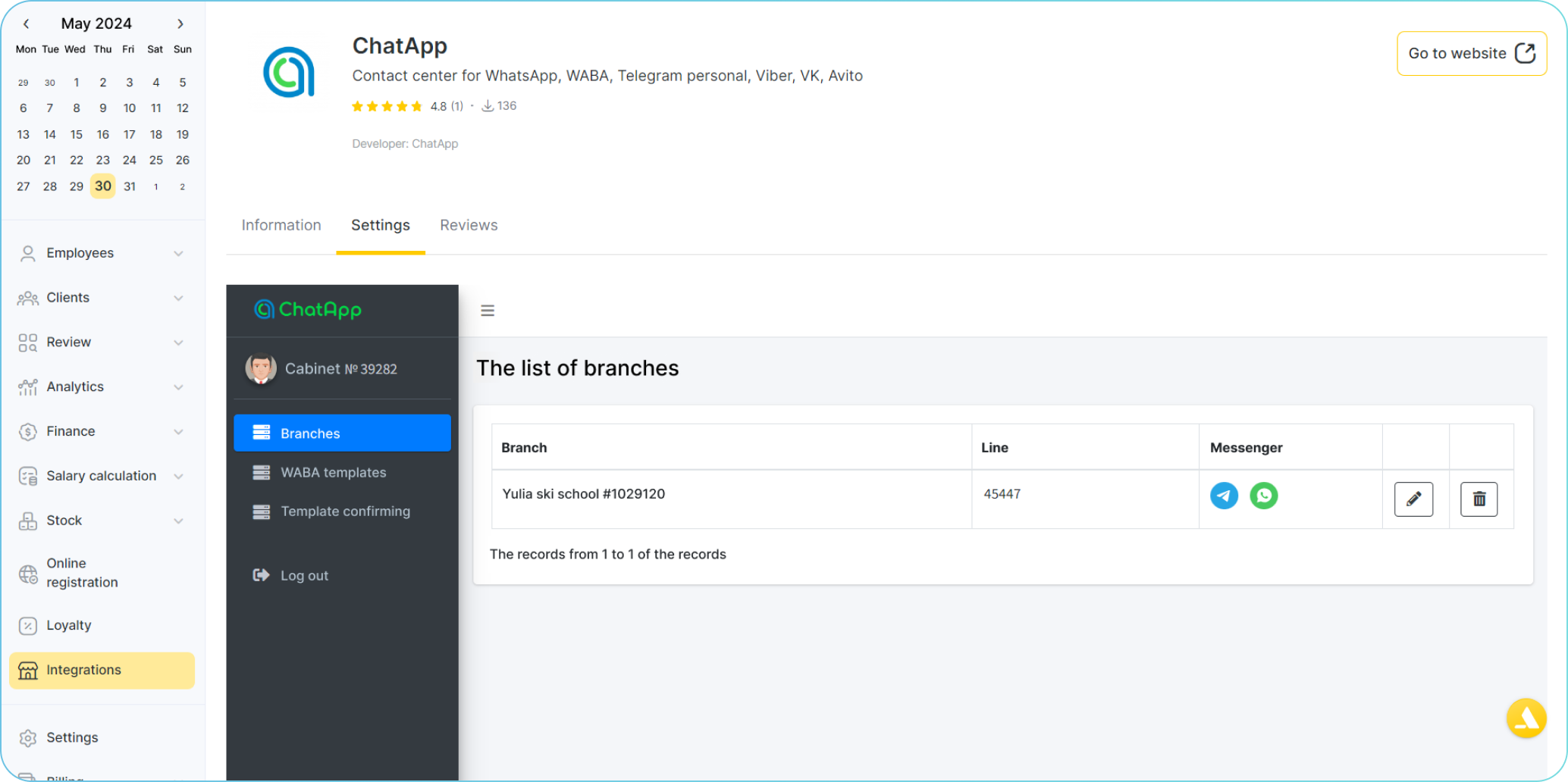
Automate customer chats
Communicate with customers from different messengers and channels in a single interface
Integrations
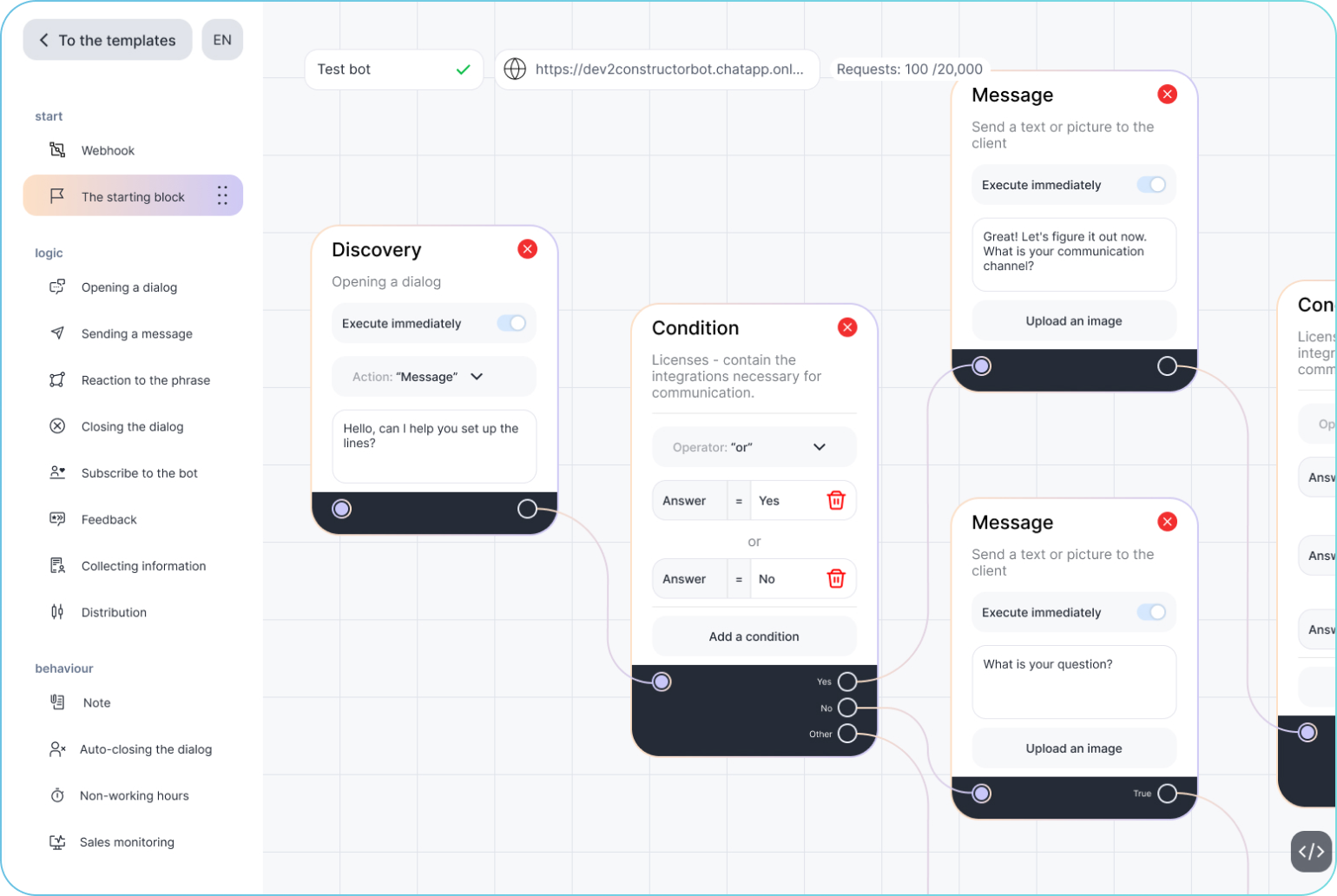
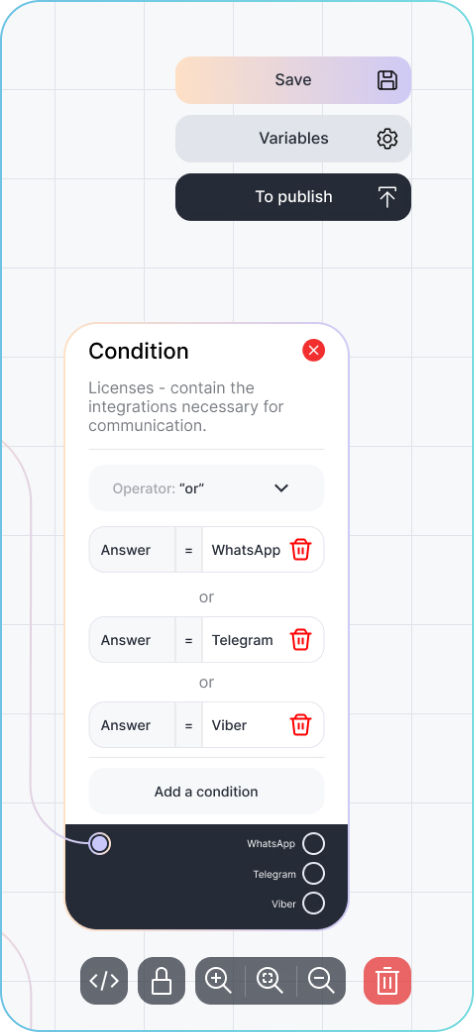
Builder for creating automated scripts for dialogues. No programming knowledge required!
Save time communicating with customers using neural networks and machine learning.
ChatApp
A cloud contact center that improves communication with customers through messengers, social networks, and other communication channels.
It helps the marketing, sales, and tech support departments of the company to promptly monitor all dialogues, receive and distribute inquiries, collect and analyze data necessary for productive interaction and customer loyalty increasing.
Platform features
-
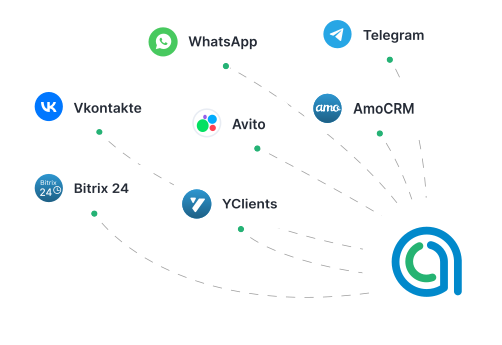
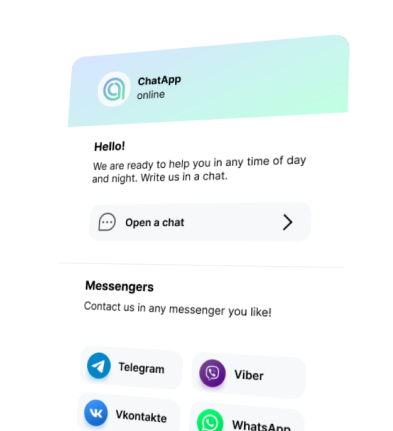
Unified Contact Center
- Start a chat in WhatsApp and Telegram from customers data base in CRM
- Respond to customers during off-hours
- Customer information is collected in one place, and chat history is stored in CRM
- Contacts and deals for new customers are created automatically
- Shared database of standard answers
-
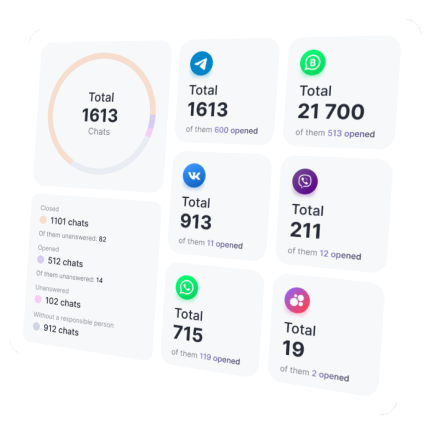
Operator workflow optimization
- Monitoring of workload and response rate in real-time
- Viewing ratings (average, maximum value) and reviews
- Access to detailed statistics for each communication channel
- Distribution of employee roles and access rights
- Dialogues distribution scripts: evenly, in strict sequence, simultaneously to all
-
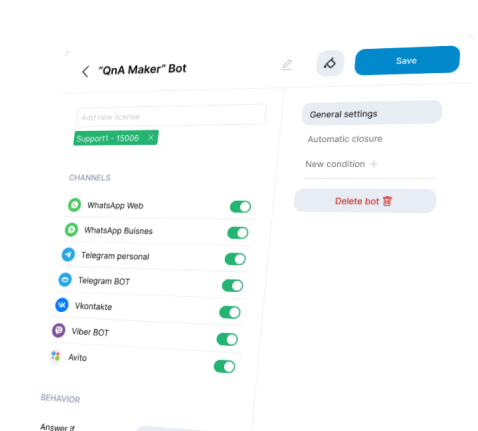
Automation Scripts
- Booking a specialist appointment (rpv-bot)
- Collecting feedback and ratings
- Response to buttons or commands
- Collecting information about customers
- Attracting subscribers
-
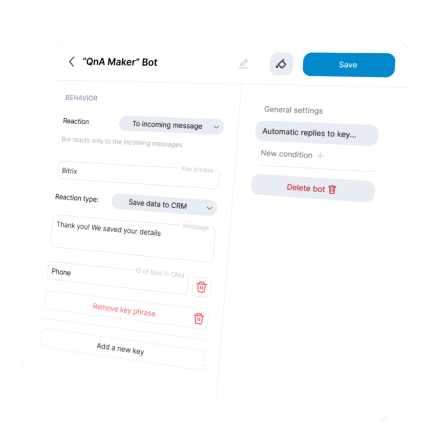
Business process automation
- Coordination and exchange of documentation through messengers: collecting prices and invoices from suppliers and partners
- Robots and activities integrated into CRM, with the ability to build business processes of any complexity
- Integration of artificial intelligence
-
Statistics and analytics
- Viewing detailed information about customers, including referral sources
- Analyzing the effectiveness of advertising campaigns through Roistat and CallTouch (UTM tags)
- Segmenting customers using the tags tool
Why choose ChatApp
Our customers

Reviews




Cases


Use our Knowledge Base or leave a request and we will contact you soon.
Knowledge base