
Online booking · Messengers & social networks
Altegio — messenger and social integration for online booking, through ChatApp
Connect WhatsApp, Telegram, MAX and other channels to Altegio. Book clients and answer them in one window, with no app-switching.
3-day trial, no card required
Why Altegio + messengers
Why service businesses put messengers into Altegio
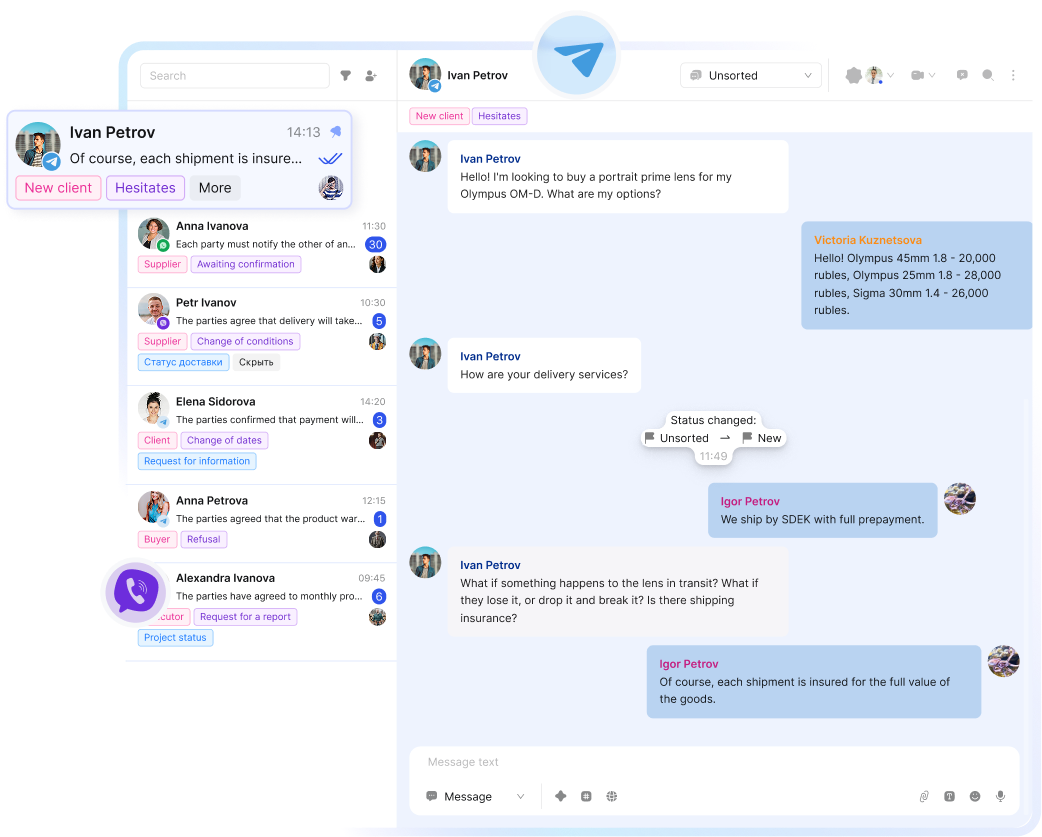
Clients would rather message than call. The integration turns a conversation into a booking and keeps the whole communication history in the Altegio client card.

Booking with no phone call
The bot offers open slots and books the client in the messenger, and the appointment shows up in the Altegio calendar at once.

Every conversation in the client card
History from every channel is kept alongside the client's appointments, so the administrator has the full context.

Fewer no-shows
Automatic visit reminders and confirmations reduce no-shows and empty slots.

The base stays with the company
Contacts and conversations live in Altegio, not on a personal phone. If someone leaves, the client stays with you.
Implementation
How the Altegio–messenger integration works
Sign up for ChatApp
Register in the ChatApp dashboard. There's a short text or video guide.
Connect messengers in one click
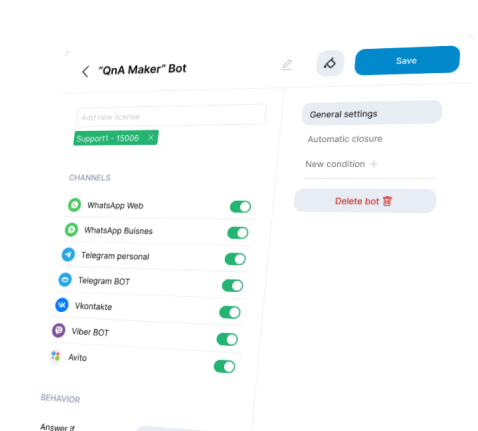
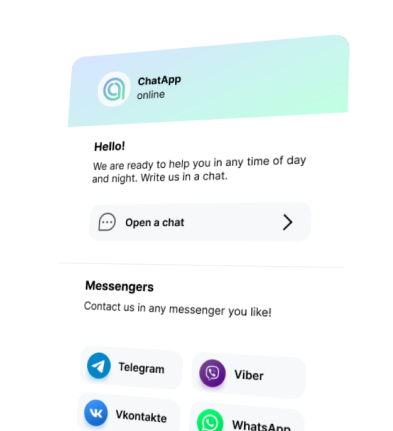
Connect WhatsApp, Telegram, MAX, VK and other channels via QR code or phone number — no programmers.
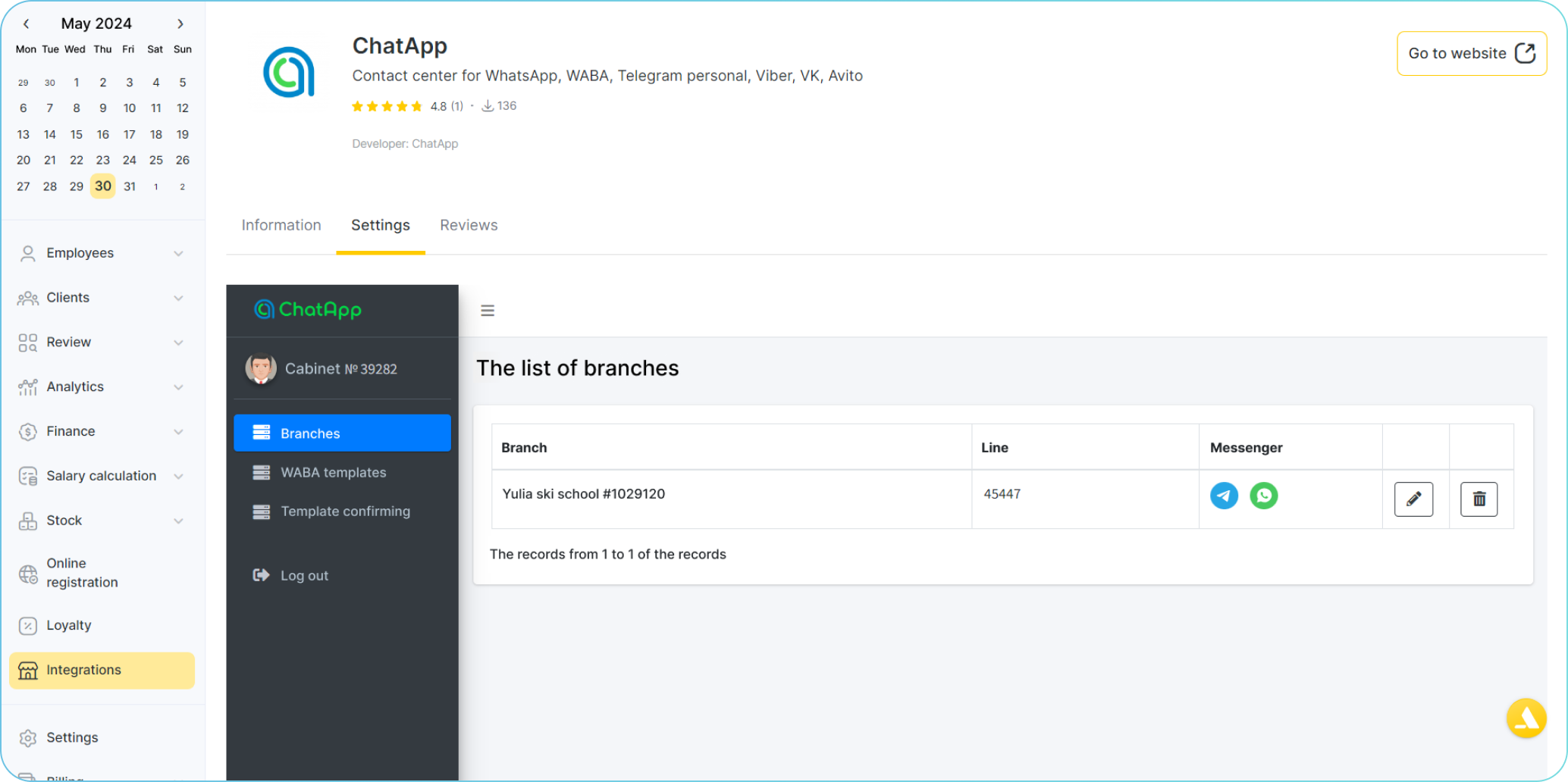
Connect ChatApp to Altegio
Find ChatApp in the Altegio “Apps” section and authorize — the integration configures itself.
Set up the bot for auto-booking
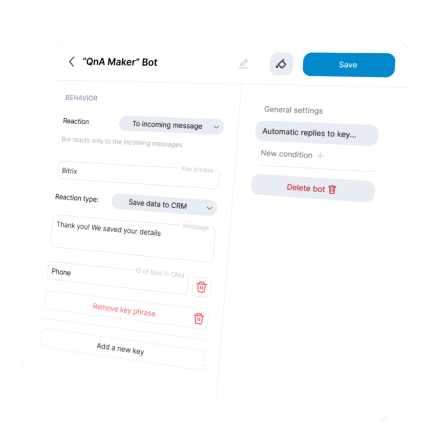
The bot offers the client services, specialists and free slots and creates the appointment in Altegio — 24/7, without an administrator.
Work in a single window
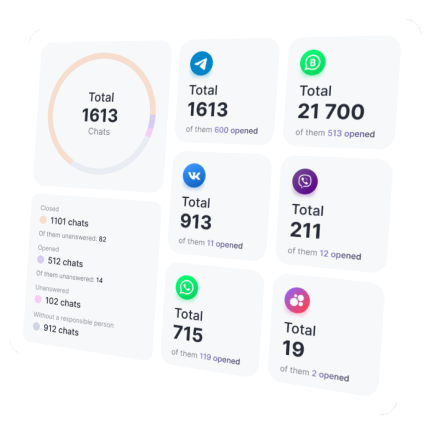
All messenger messages and new appointments appear automatically in Altegio and the ChatApp dashboard.
Pricing
Pick a period
The longer the term, the better the rate — the annual plan saves the most.
Altegio integration
Everything for booking and client communication in messengers
- Connect WhatsApp, Telegram, MAX and other channels
- Message the client first
- Receive and reply to messages in a single window
- Automatic booking via the bot
- Visit reminders and confirmations
- Integration with Altegio and any CRM
- Broadcasts to your client base
- Client card from dialogues
- Collecting reviews after a visit
Monthly
3 days free
24/7 tech support — we'll help connect messengers and set up the integration with Altegio.
Contact supportAutomation
Advanced automation capabilities
Using the bot builder tools, included in the monthly license fee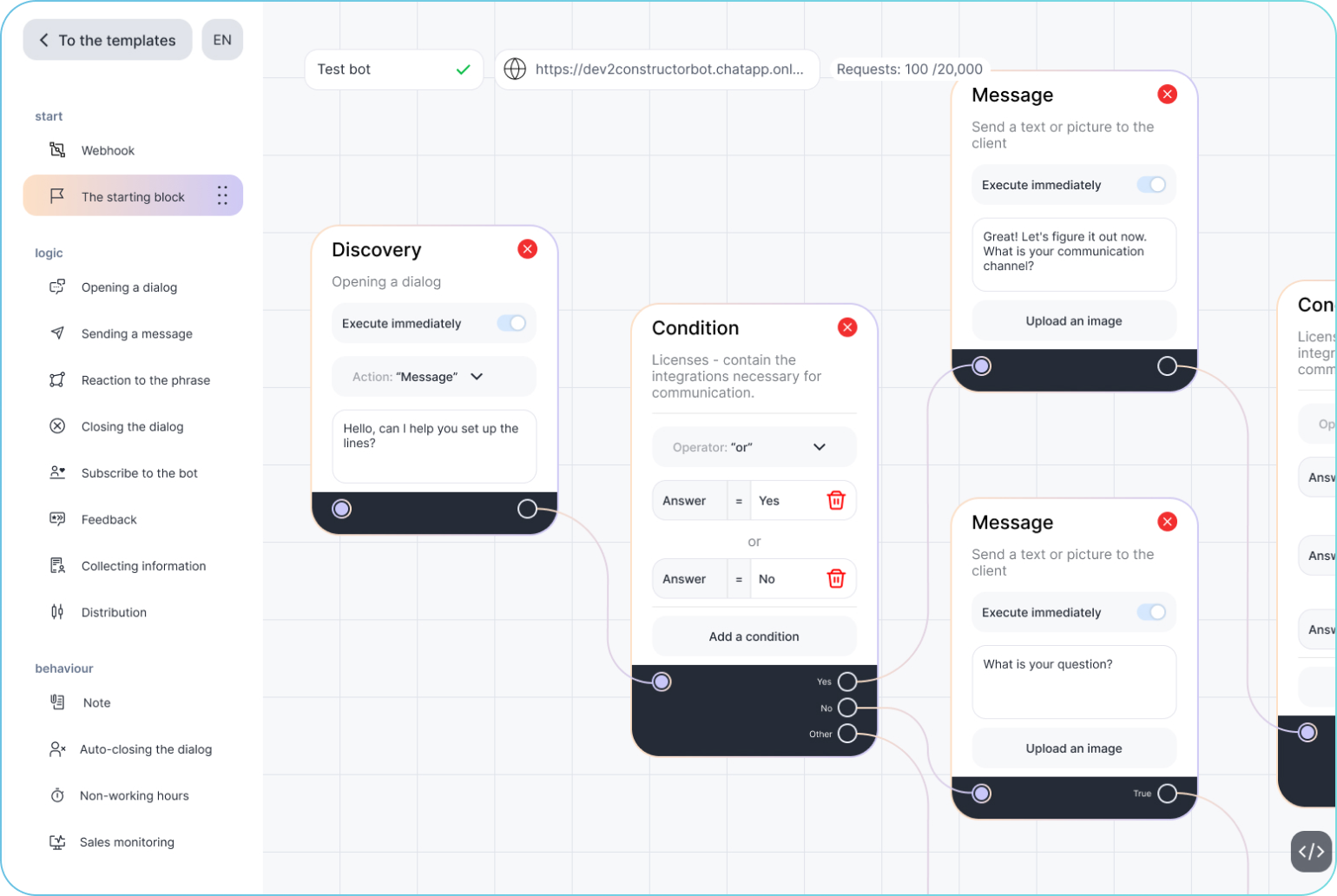
Messengers
Bring new clients from messengers into Altegio through ChatApp
Connect WhatsApp, Telegram, MAX and other channels to Altegio in a few minutes. A demo shows how to set it up and start booking clients from messengers the same day.
Connect (3 days free)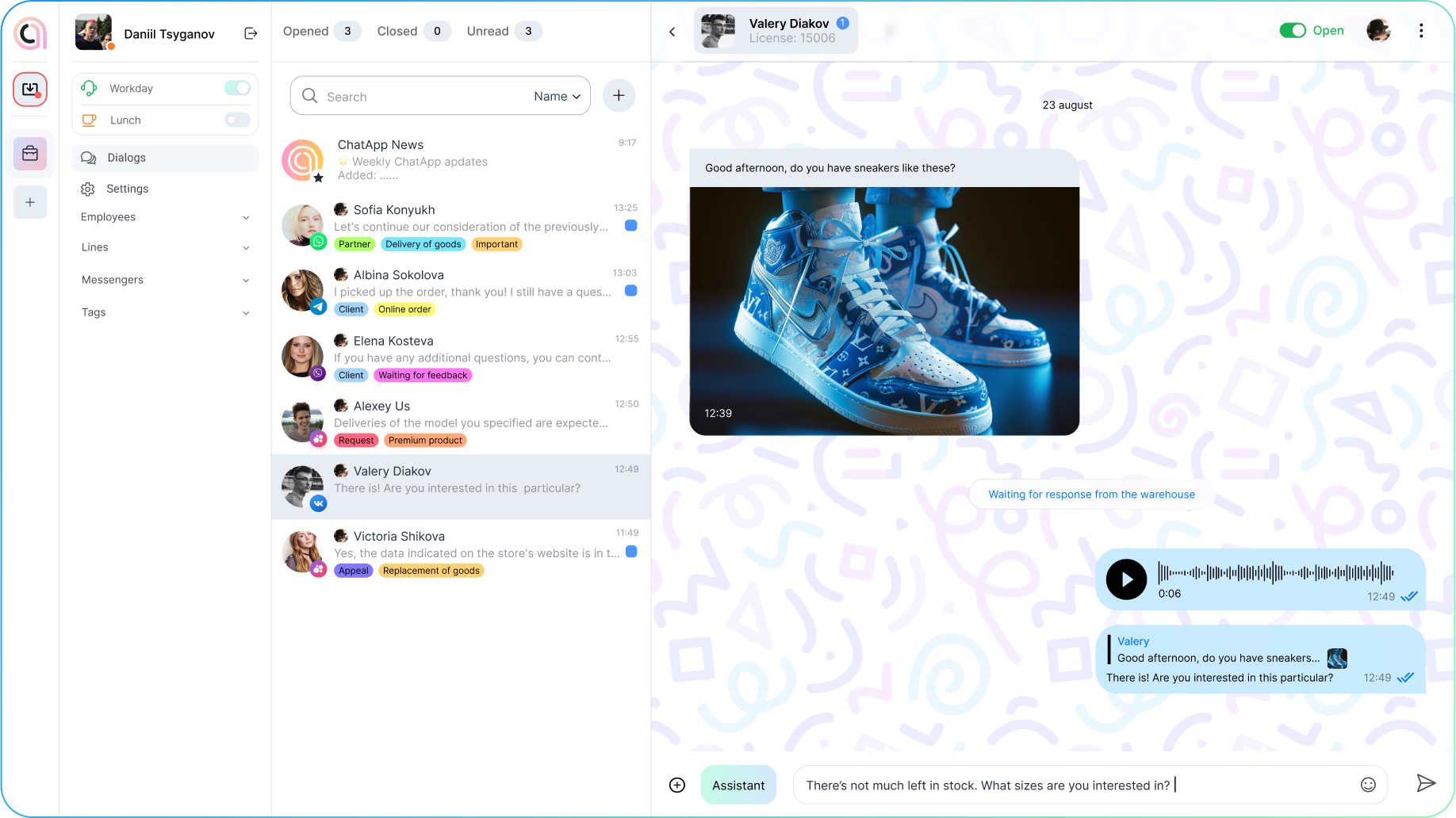
Integrations
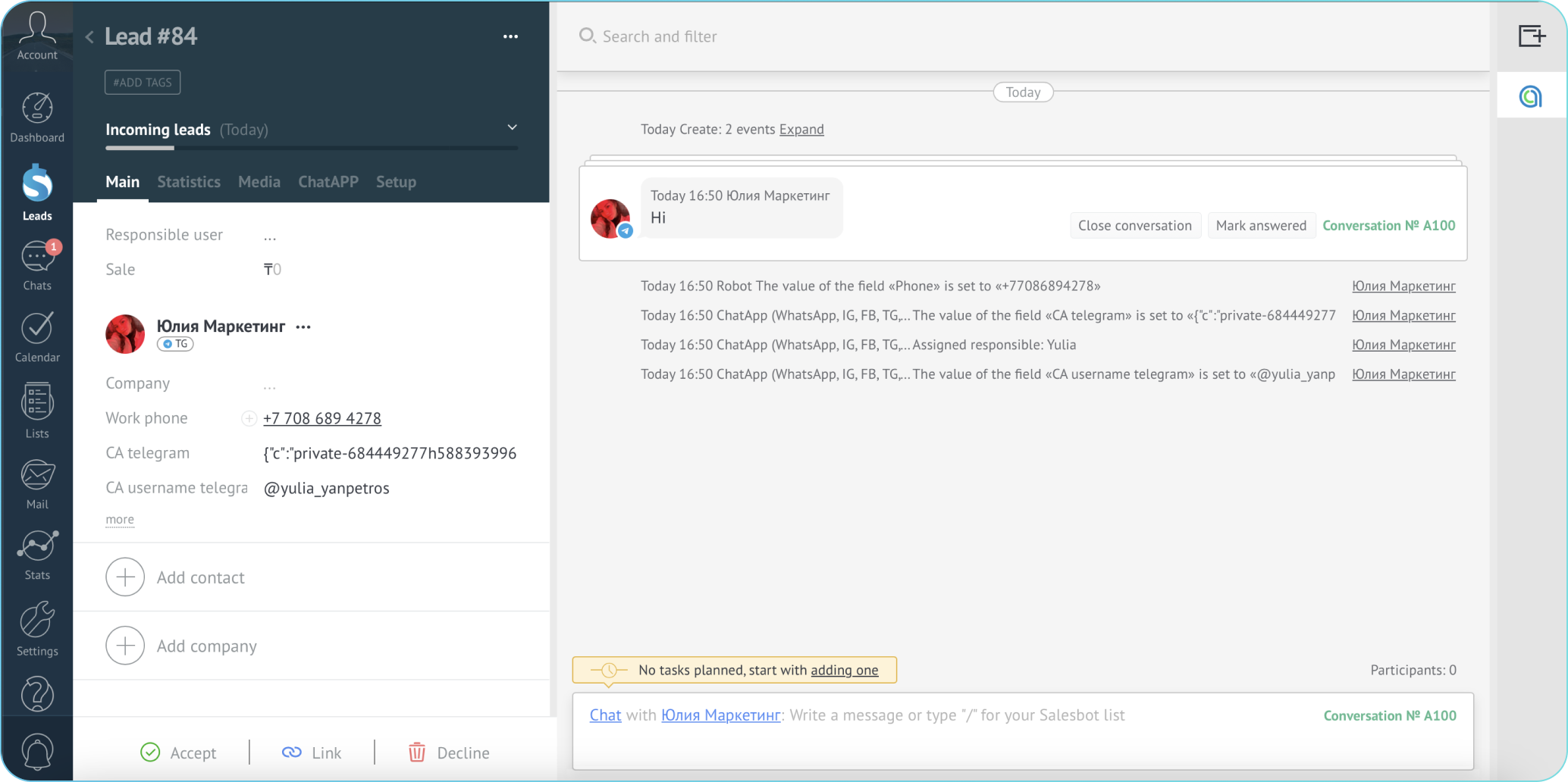
Your booking system, CRM and messengers in one window
Ready-made integrations with Altegio, Yclients, Bitrix24, amoCRM and 1C. Or connect any system via the open connection interface (API).
Use cases
Ways to use messengers with Altegio
Online booking
The client books in the conversation and the appointment lands in the Altegio calendar at once. Fewer calls, more bookings.
Fewer no-shows
Reminders, confirmations and rescheduling in the messenger reduce empty slots.
Automation
Chatbot scenarios via the builder. Booking and answers to common questions work 24/7 without an administrator.
Winning clients back
Broadcasts to your base, review collection and repeat bookings — grow without a proportional increase in the team's load.
Questions
