One window for all channels
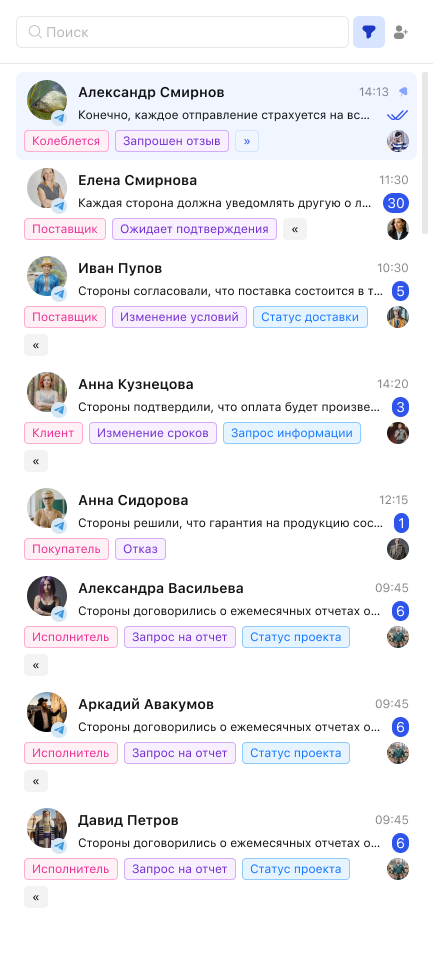
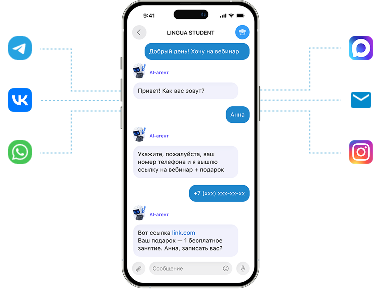
All customer communication channels in one window







 Kazakhstan
Connect messengers, social networks and other channels to one interface. Managers reply faster. The conversation history stays with the company.
Start for free3 daysAll customer communication channels in one window
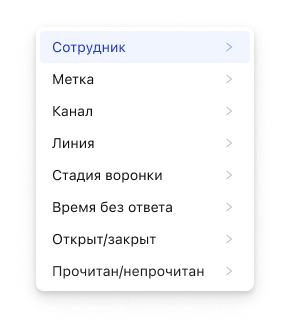
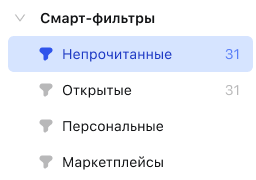
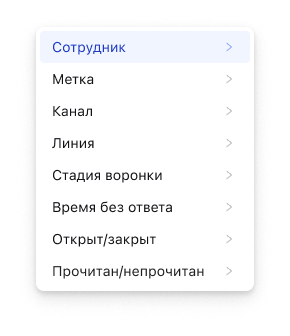
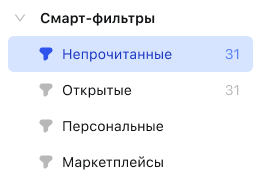
Filters and folders help keep conversations organized
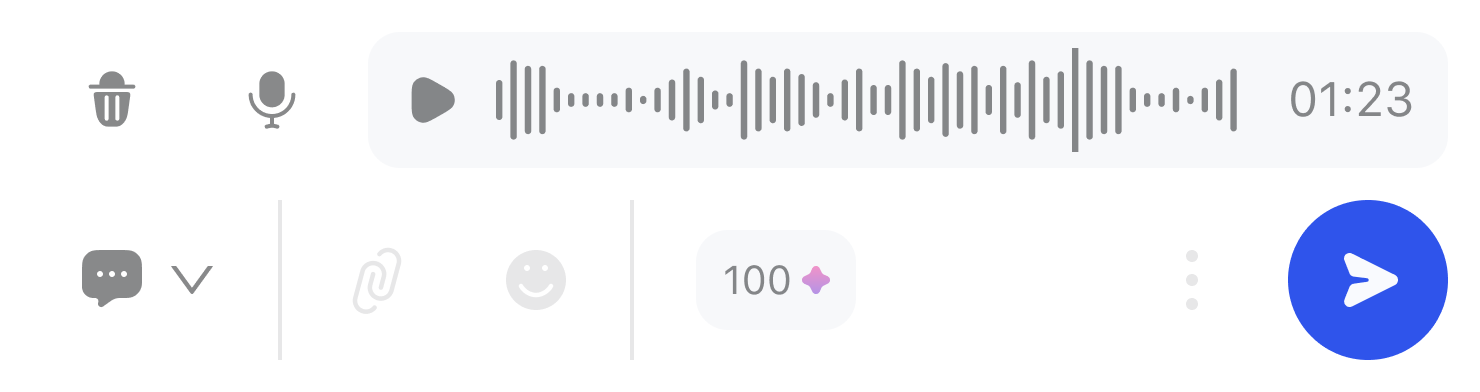
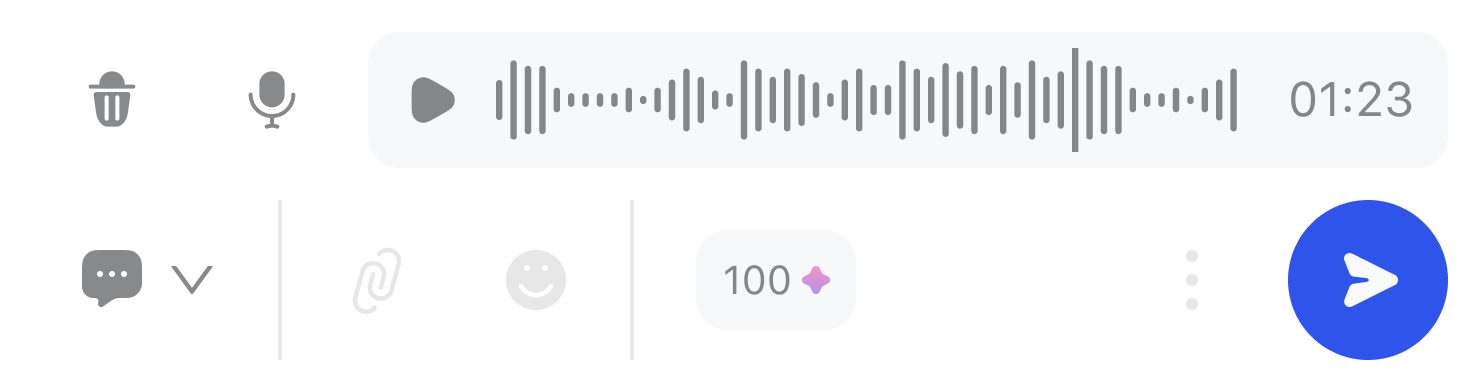
Translates, transcribes voice messages, summarizes the conversation and helps compose a reply
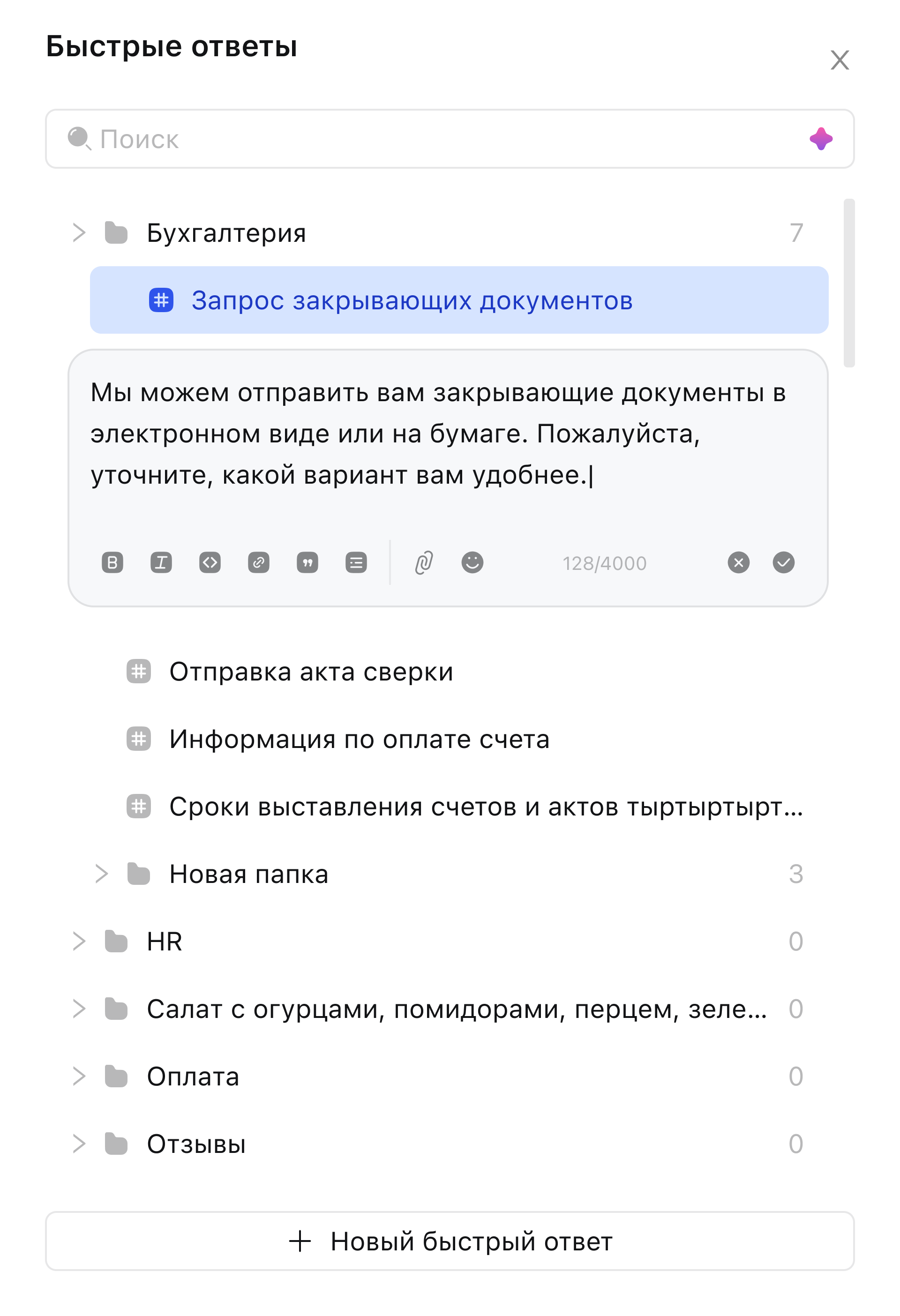
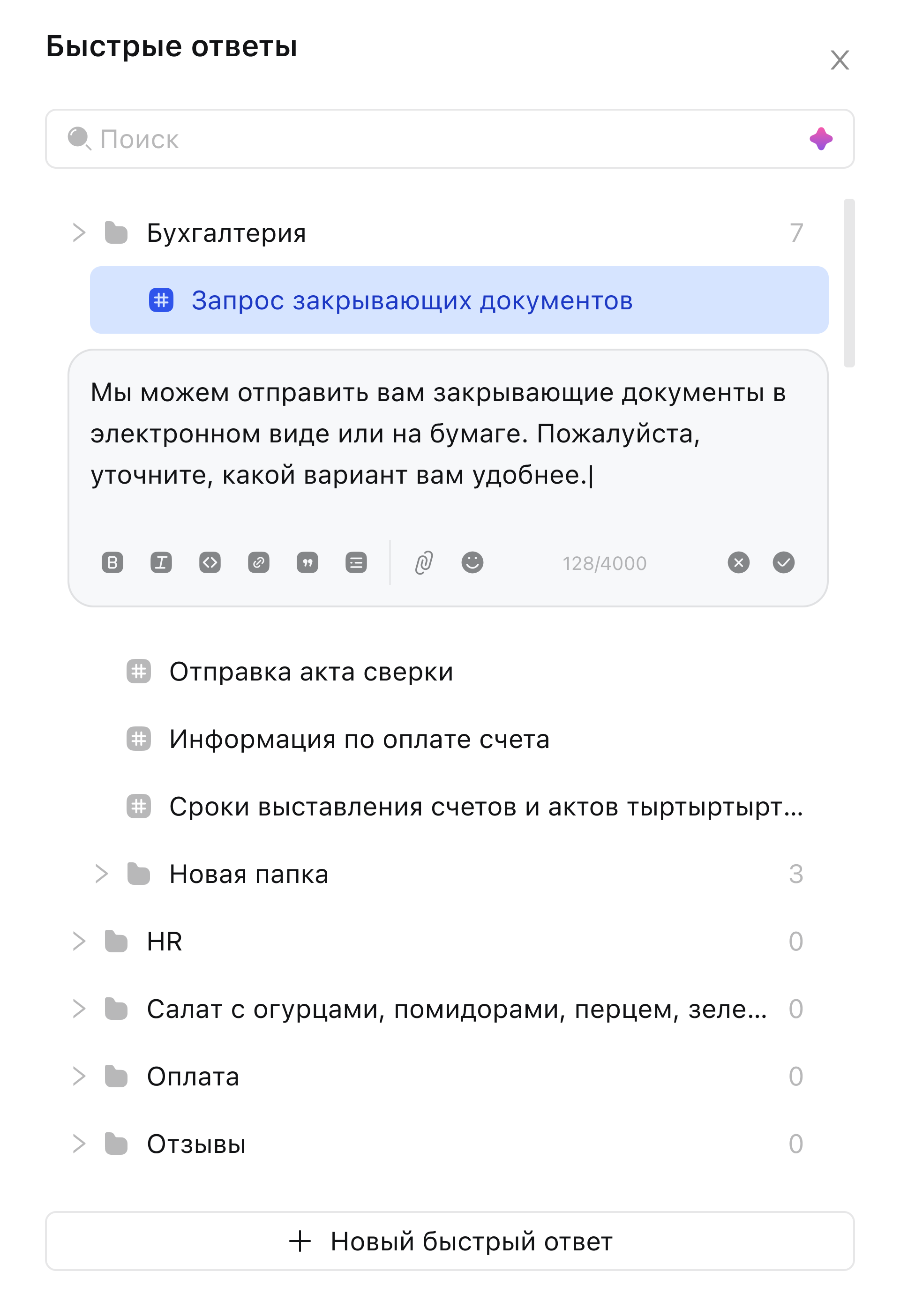
Quick replies on command, just like in a regular messenger
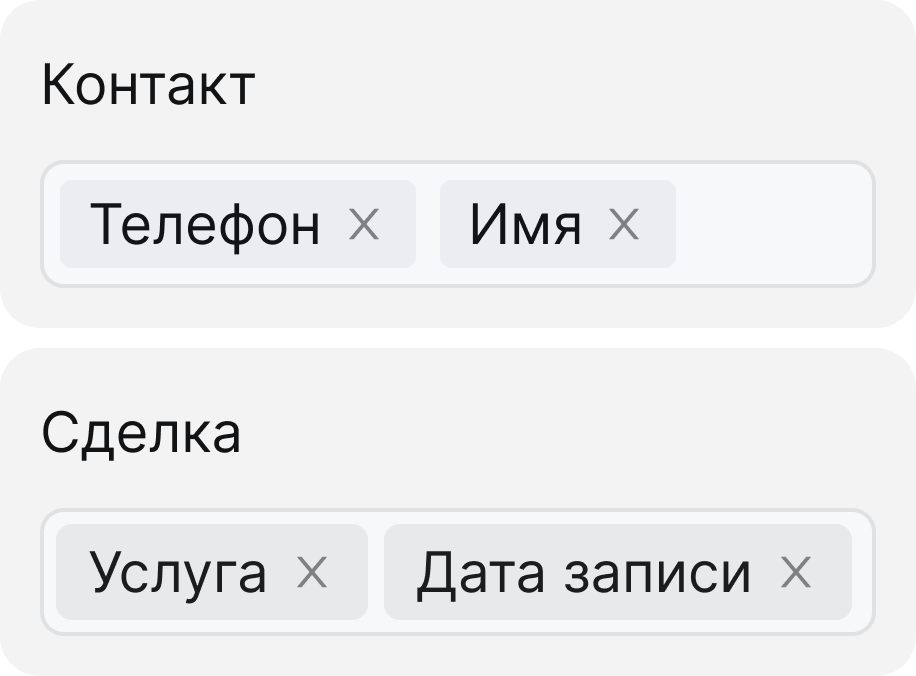
All chat data is automatically synced with the CRM card
Just talked to a client? Create a task for yourself so you do not forget what they asked for
Schedule a meeting with a client or partner for the right date without switching to another interface
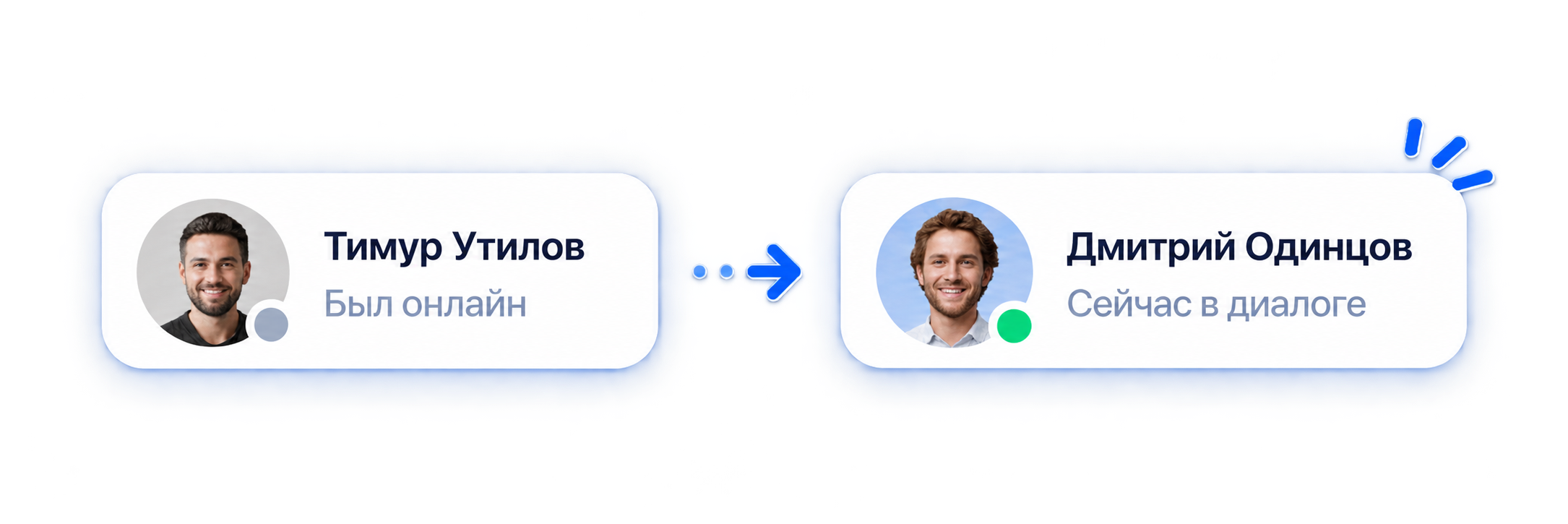
Going on vacation? Hand the conversation over to a colleague. The client will not notice they were "left"
An app for your phone. Work with the unified conversation window from your phone
Unlimited number of employees can take part in conversations
Assign roles: observer, participant, responsible
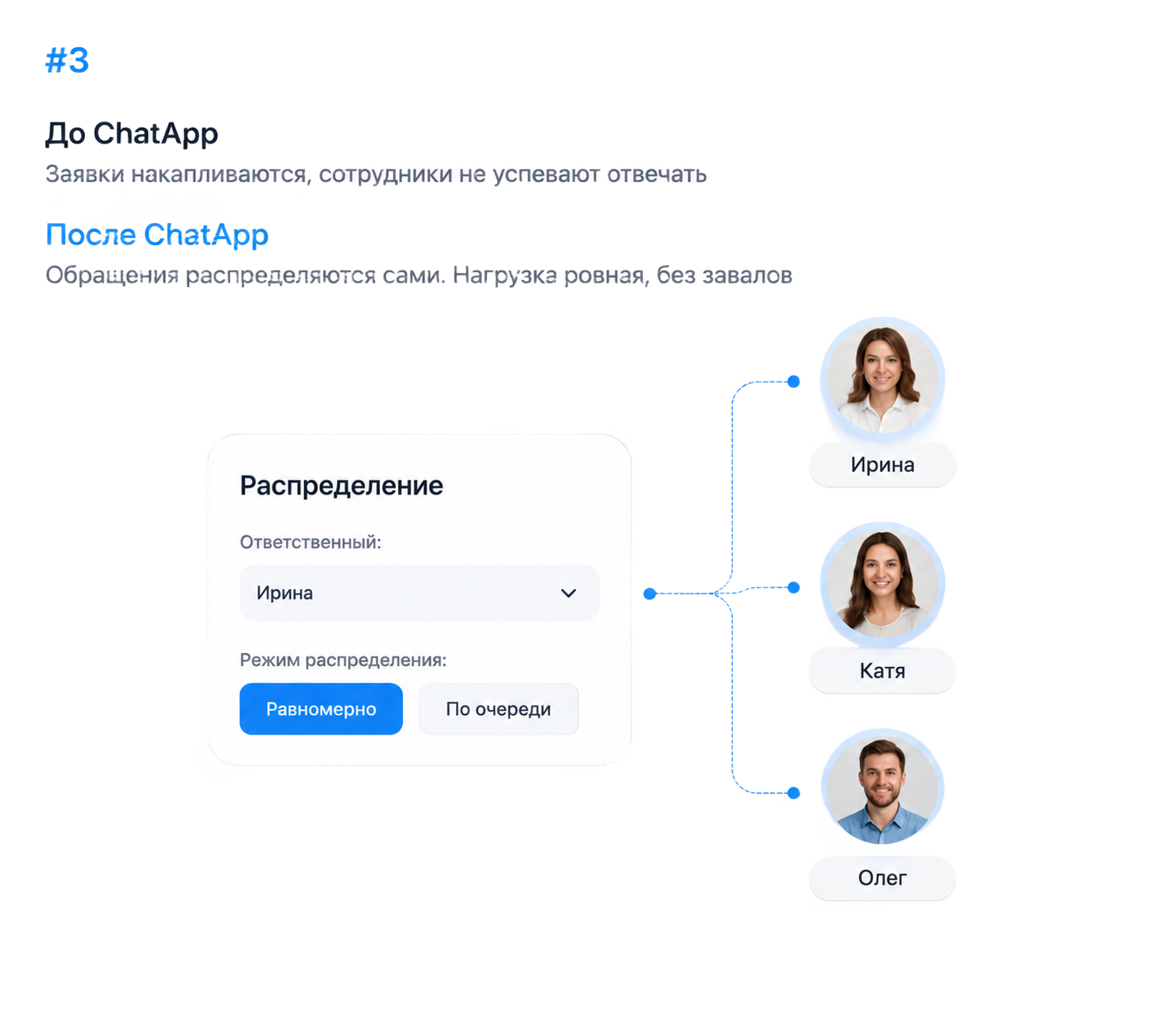
Smart distribution of requests among managers: in turn, by time and more

 No more jumping between browser tabs and your phone.All client messages in one window.Teamwork.Tasks and calendar.Quick replies and voice messages.
Connect Scenario Dialogs and try it for free.
Start for free3 daysWork together with your team, even while on vacation
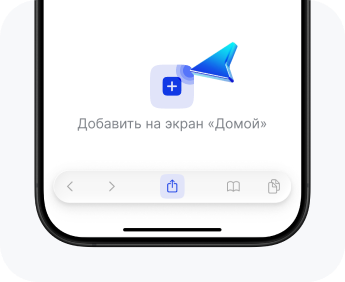
Add Scenario Dialogs to your Home screen and open it as a separate app, with no App Store installation.
Download Scenario Dialogs to your Android device from Google Play and work with conversations from your phone.
Download for Android
companies use ChatApp
Average connection time
Communication channels in one window
Customers are happy with support
On the Bitrix24 marketplace
Each channel is connected to a line in the ChatApp account, and its messages then arrive in Scenario Dialogs. You can open the unified window right from your account (left menu → Scenario Dialogs) or via dialogs.pro, signing in with your account login and password. After that the whole team works in one interface.
A channel is connected to a line, and the conversation automatically appears in the unified window. CRM integration adds a link: from a chat you can open the client card in the CRM, "Responsible sync" works (one manager both in the card and in the chat), and CRM blocks appear in the Bot Builder. Important: CRM integration does not affect receiving messages, they arrive without it too.
Conversations and contacts are stored in the company account, not on an employee phone. Old conversations are transferred by chat import and form a single base of contacts and conversations that does not leave together with a manager. The head of sales has full audit of conversations.
Use "Conversation distribution" for assignment, and roles are assigned in the chat: responsible, assigner, co-executor, observer. An operator opens a "Shift" and sets "Lunch": when the shift is closed, an unresolved conversation is automatically redistributed to active operators of the line. The head of sales and the owner see all conversations.
Yes. The unified window includes chats, reviews and customer questions from Wildberries, Ozon and Avito, with the product card, article number and price right in the conversation, and system notifications show order statuses. A separate "Marketplaces" smart filter and the chat type filter "Review"/"Question" help you not to miss requests.
History import is supported for Telegram (phone number) and WhatsApp (gray integration). The loading period is a week, a month, 3 months, a year or any interval within a year. Inside a chat the "Load more" button pulls up to 50 previous messages. Messages are stored for up to 2 years.
15 channels: WhatsApp* (personal, official WABA/WACA), Telegram, MAX, VKontakte, Instagram*, Facebook*, Avito, Wildberries, Ozon, Email, Telegram and MAX bots, online chat, mail. The cost of a channel depends on its type, connection period and number of channels. See the pricing page for current prices.
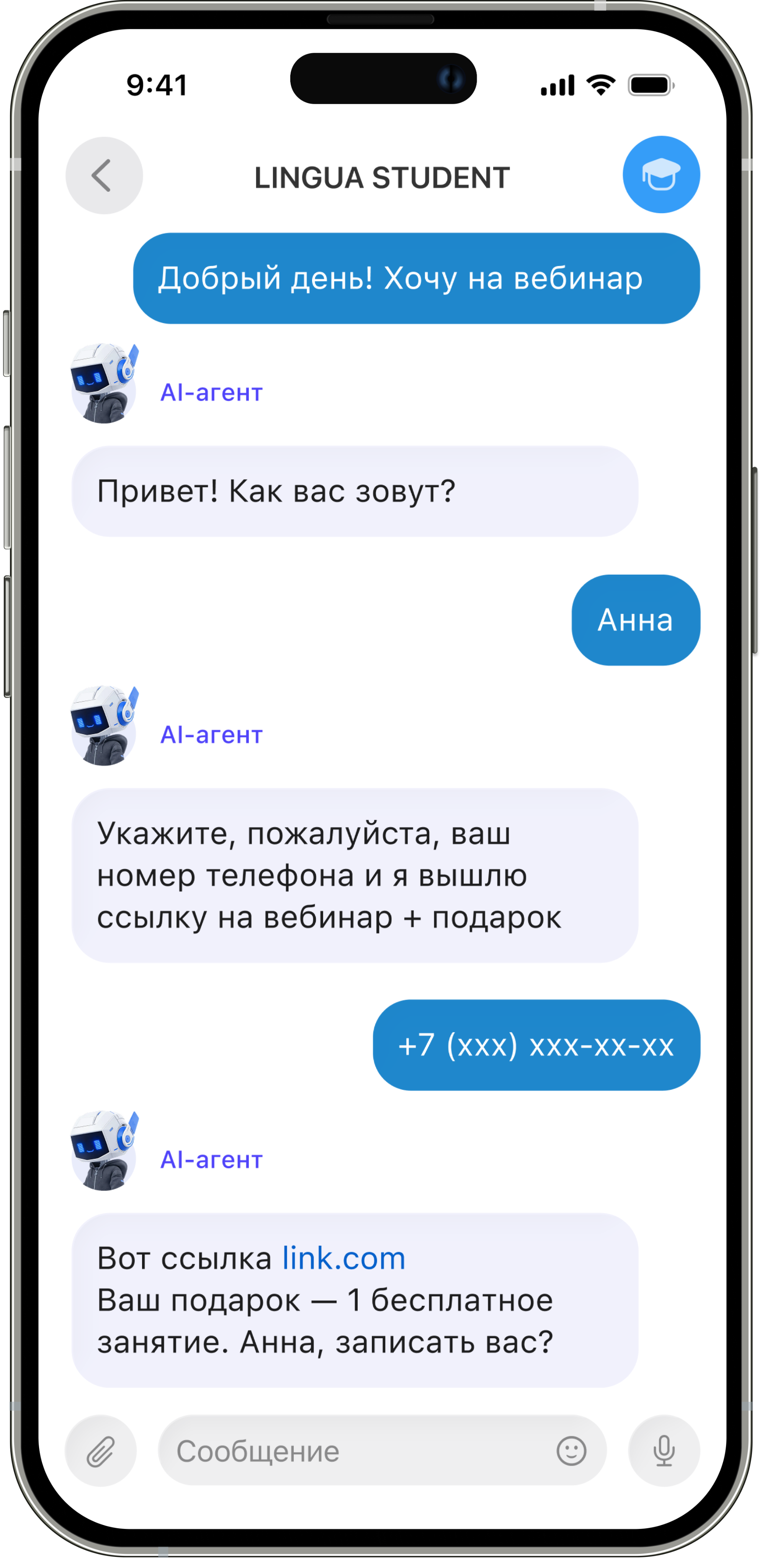
Yes, the unified Scenario Dialogs window has an AI assistant that analyzes the conversation context and helps compose a reply. It is trained on your files (.txt, .docx, .pdf), on a website or a separate page, and on quick replies. The internal currency ChatCoins is charged for processing materials. There is also an AI agent that can answer client chats instead of a live manager (set up via the bot builder).