


WhatsApp Cloud API (WACA) for business in Kazakhstan
Mass messaging within Meta rules. Unlimited number of employees working as a team. Data exchange with your CRM. Automation
Request a connection Broadcasts and templates
 Chatbots
 Multiple employees

 One shared inbox
 24/7 automation
 Official status
Which WhatsApp does your business need?
Three levels of WhatsApp
A personal messenger for personal use. One user per phone.
With ChatApp, teamwork is possible

WhatsApp Business
A variation of the personal messenger with extra business features in the app. 4 people on one device.
With ChatApp, team work is possible
WhatsApp Business Platform
(Cloud API)
A solution for business: official API, automation, broadcasts and several operators working at the same time.
Request a connectionRegular WhatsApp or WACA
When your business grows, regular WhatsApp is not enough
Compare and choose the right option.
 Regular WhatsApp
 WhatsApp Cloud API
WACA with ChatApp
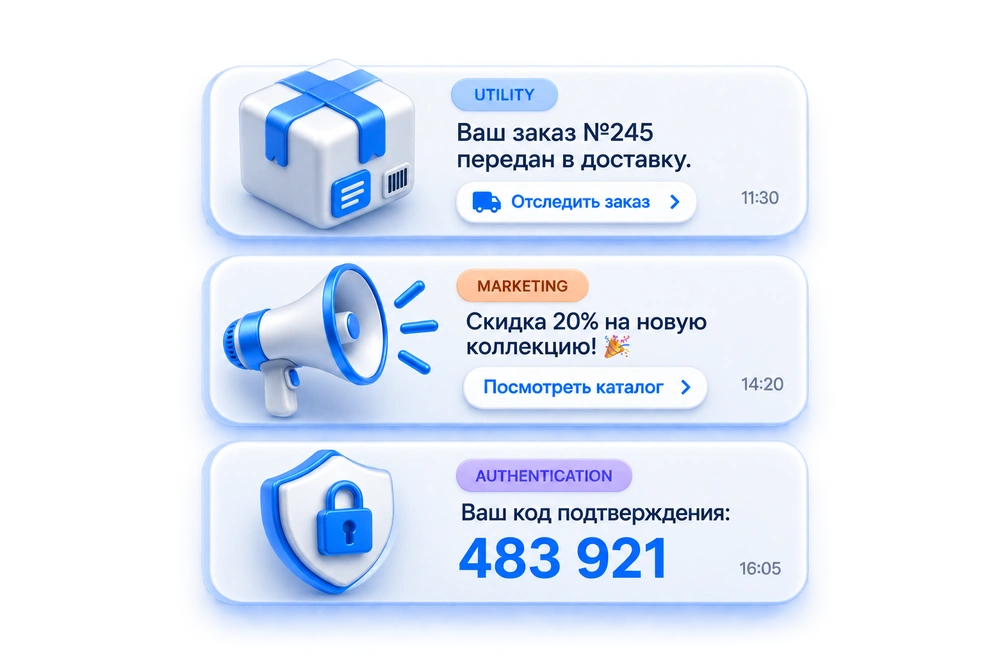
Template and trigger messaging

Remind customers about orders and appointments
Send notifications and offers
Launch mass broadcasts

One number — for the whole team
Conversations are distributed between operators automatically
See who is replying to the customer right now
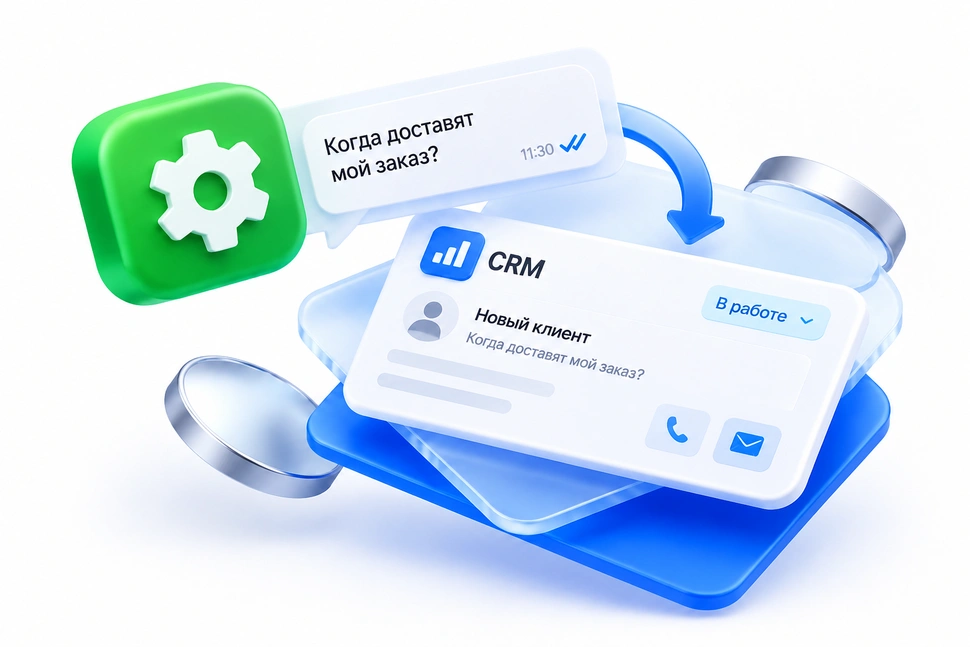
WACA and CRM work as a single system
New messages are linked to the customer and the deal
Managers see the conversation history right in the CRM
Contacts and conversations are not lost when an employee leaves
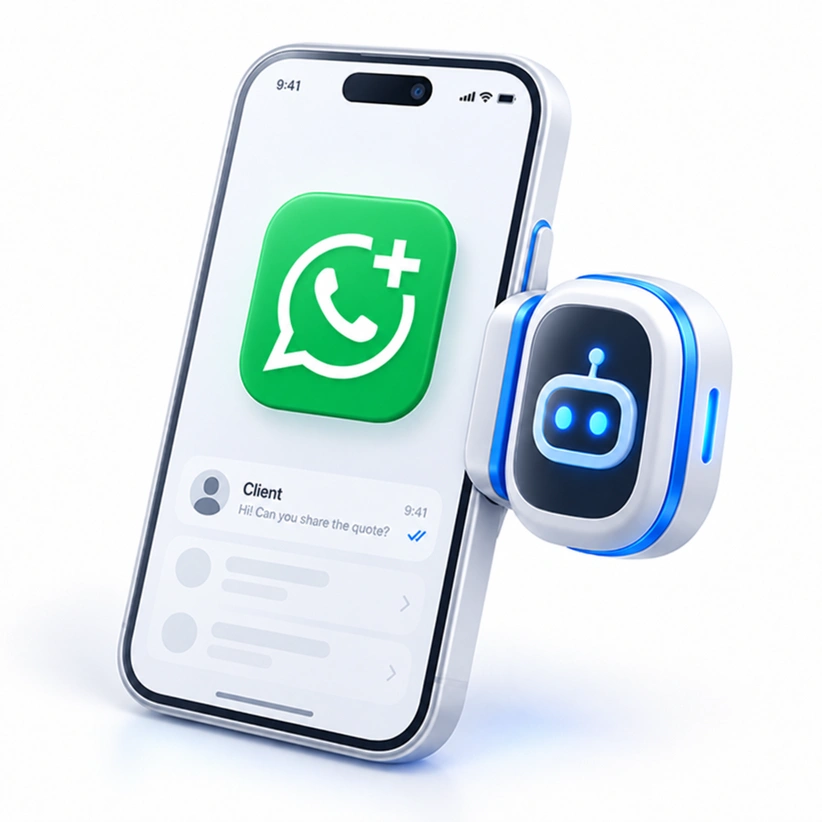
WACA for communication and for automation
Familiar chatting from your phone + automation on one number
Use your existing number to enable WACA business tools (Coexistence technology)
You do not need to give up your current WhatsApp to enable business tools
WhatsApp Cloud API connects your company key processes
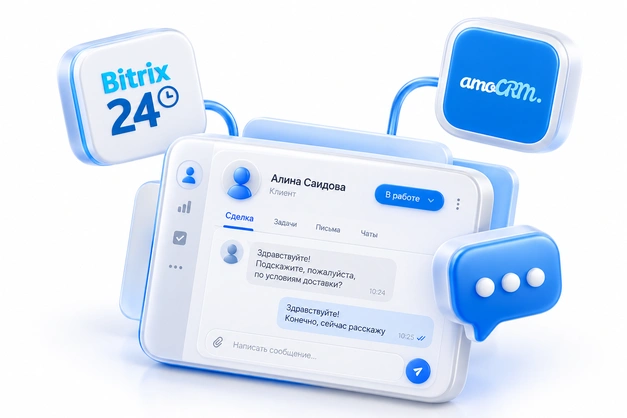
CRM
A single conversation history with customers inside Bitrix24, amoCRM and other systems.
Bots and automation
Auto-reply, qualification and AI-employee scenarios with no manager involved.

Multiple operators
Any number of employees work with one number at the same time.

Broadcasts
Mass personalized template messages without the risk of your number being blocked.

Analytics
Track deliverability, reads and conversion for every broadcast and conversation.

Integrations
Connect your website, marketplaces and internal systems through the ChatApp API.
How to connect WhatsApp Cloud API
Connect it yourself for free or with the help of a ChatApp specialist
Step-by-step text guide
 Free
Free
Suitable if you are ready to set everything up yourself following the ChatApp step-by-step guide.
- Preparing your Meta Business Portfolio account
- Setting up WACA by the guide
- Recommendations for every step
With support
$67A ChatApp specialist goes the whole way with you: collects the data, sets up the channel and leaves a clear guide for the future.
- Up to 3 joint sessions: consultation, connection/setup, training on working with the channel
- We will check the account, website and number
- We will help you create up to 3 message templates
How the assisted connection works
-
Readiness check
Facebook*, Business Portfolio, website, phone number and the chosen connection scenario.
-
Joint session
The client logs in from their own device and enters 2FA codes and passwords personally — the specialist does not see them.
-
Temporary ChatApp access
The client invites the specialist work account to the Business Portfolio for the duration of the work.
-
Setup and handover
The specialist sets up the channel and checks that it works, then the client removes the temporary access.
Good to know
-
Access stays under your control
You enter passwords and 2FA codes yourself. The specialist temporary access is removed once the setup is finished.
-
Meta makes the verification decision
ChatApp helps prepare and set up WACA, but cannot guarantee Meta approval or moderation times.
 New terms from October 1, 2026
Paid WACA messages now start from $0.04
From October 1 the price of WACA messages changes


How messaging works:
the 24-hour window and message templates
You can write to a customer first only with a template message pre-approved by Meta*. When the customer replies to the template, a 24-hour window opens: during this period you can continue the conversation with regular messages for free. The session is extended with every new customer message and does not close while the conversation goes on.
-

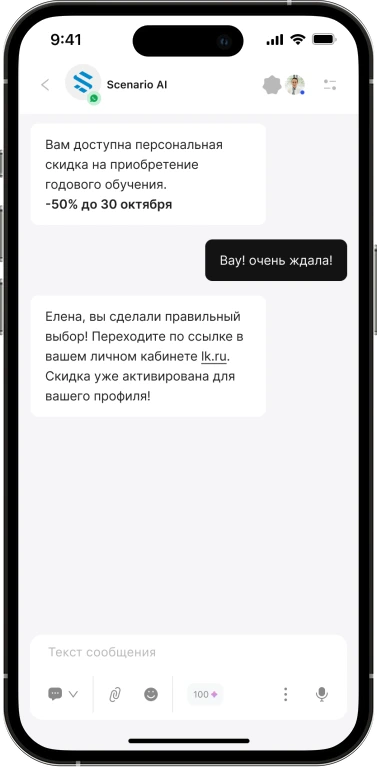
The customer receives a template message
A template pre-approved by Meta* opens or continues the conversation.
-

The 24-hour window opens
The customer replied — you can chat freely with regular messages.
-
The window closes after 24 hours of silence
If the customer does not reply for a day, the window closes automatically.
-

To continue — use a template again
To resume the conversation after the window closes, you need an approved template again.
Pricing
Choose the channels you use for client interactions

WACA frequently asked questions
WABA stands for WhatsApp Business Account, a company business account in WhatsApp Business Platform; the connection to WhatsApp Business API itself is also often called that.
WhatsApp Cloud API (WACA*) is Meta's cloud API for this connection. ChatApp offers two options: Cloud API directly through Meta and WABA through the provider Gupshup — the terms of both are described on this page.
Cloud API is an official connection that follows Meta rules. It works reliably, lets you send messages to your contact base within Meta rules and provides business tools, and any number of employees can be connected to one number. Regular WhatsApp connects unofficially by imitating human actions — frequent large broadcasts lead to a ban.
Cloud API — directly through Meta
Connection to the WhatsApp API without an intermediary and without your own server, access in 5–15 minutes. Templates are paid for by the company card directly in Meta.
WABA — through the provider Gupshup
Connection through a provider: conversations are billed in packages, and Coexistence mode keeps the mobile app and group chats on the number.
You can write first, but only with a pre-approved template — a message blueprint approved by Meta. A template can contain text, media, buttons and variables. There is no other way for a company to start a conversation.
After a customer replies to a template, a 24-hour session starts: inside it, regular messages are free. Every customer message restarts the window, so while the conversation goes on it does not close.
The line costs $80 per month (or $64/month when paid for a year in advance), plus about $0.10 for every conversation you start yourself. Inside an open 24-hour window, regular messages and templates of the same category are not charged. Conversations started by the customer are free — up to 1,000 per month.
No. Cloud API works through the API and does not need a separate phone. The exception is Coexistence mode through the WACA provider: there the WhatsApp Business mobile app keeps working in parallel.
With a regular WABA/WACA connection — no: the WhatsApp account has to be deleted, and the app and calls will not remain. In Coexistence mode through Gupshup nothing needs to be deleted — the app, group chats and calls are kept, and the API works on the same number. Coexistence is available if the number has been used in WhatsApp Business for at least 3 months and has no restrictions.
Yes. If WhatsApp or WhatsApp Business is already registered on the number, with a classic connection the account has to be deleted in the app settings. You can keep the app only through Coexistence mode.
Yes. This is not possible in regular WhatsApp, but any number of employees can be connected to a Cloud API number — the whole team works from one number through ChatApp and your CRM.
The whole WABA connection procedure for a verified company Facebook account usually takes 2-3 days. With paid support the term is fixed — 3 days after payment and receiving all the data from the client.
Free means consultation and guides, while you prepare the account, website and number yourself. Paid support ($67) means a ChatApp specialist guides you through all the stages: from creating a Business Portfolio to channel setup, data checks and handing over up to 3 ready templates.
For a self-connection, register the company in Meta Business Suite, create an app in Meta for Developers, set up the webhook and a payment method, then connect the number and token to your ChatApp line. Check the Business Portfolio, website and phone number in advance. A ChatApp specialist can go through these steps together with you.
Connect the official WhatsApp Cloud API with ChatApp
Leave a request — a specialist will choose the connection method and calculate the cost for your needs
