Contact support:
Select country or language

New Channel · Official Messenger

MAX for business: connect the messenger through ChatApp

One more channel for talking to customers — with stable delivery and no risk of the channel being blocked.

3-day free trial, no card required

ChatApp — MAX integration

Why MAX

Why businesses add MAX

MAX is a fast-growing messenger with tens of millions of users. While competitors are still figuring it out, you get a first-mover advantage.

Stable connection

The channel doesn’t drop — you stay in touch with the customer.

Replies on time

No customer inquiry gets lost, and the conversation runs without delays.

Business features

Automation within the messenger. Efficient work at the same cost.

Playing by the rules

Customer communication that follows the platform rules, with no risk of the channel being blocked.

Implementation

Connecting MAX, step by step

Chatapp Widget integration process

01

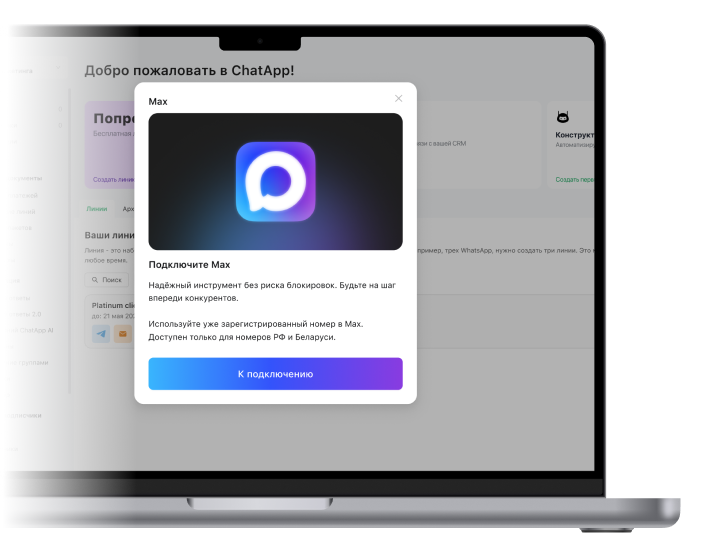
Connect MAX in one click

Connect the MAX channel in your personal account. Easy text or video instructions available.

02

Add an online chat widget to your site

A site visitor can easily message you via the widget. Contact captured!

03

Start the conversation first

Reach out to customers first through the Scenario Dialogs unified inbox.

04

Receive inbound messages

Customers can message you via the widget or a link button on your site.

05

Sync with your CRM system

Integrate MAX with your CRM in a couple of clicks. All conversations will automatically appear in the system.

Pricing

Pick a billing period

The longer the period, the lower the price — the annual plan saves 7,920 ₸.


MAX Messenger

Everything you need to work with customers in the new channel

  • Connect by phone number
  • Message customers first by phone number
  • Receive and reply to messages
  • Sent and delivered status
  • Group chats
  • Integration with any CRM system
  • Broadcast to customer base
  • Deals from conversations
  • Chatbot connection

Monthly

3 300

₸ / mo

Connect

3 days free

24/7 technical support — we’ll help you connect MAX and set up integration with your CRM system.

Contact support

Features

What you can automate in MAX

Using the bot builder tools included in the monthly license fee

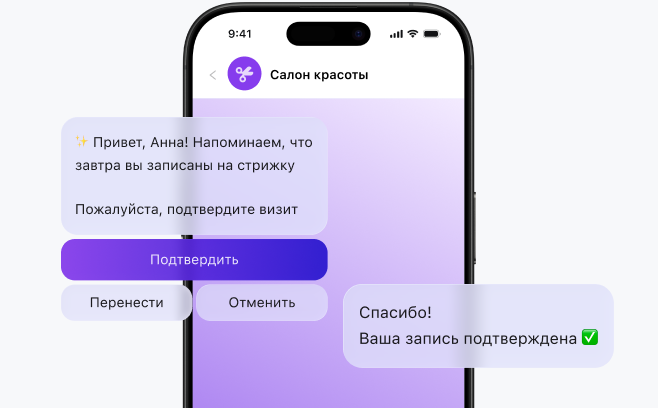
Automated sequences

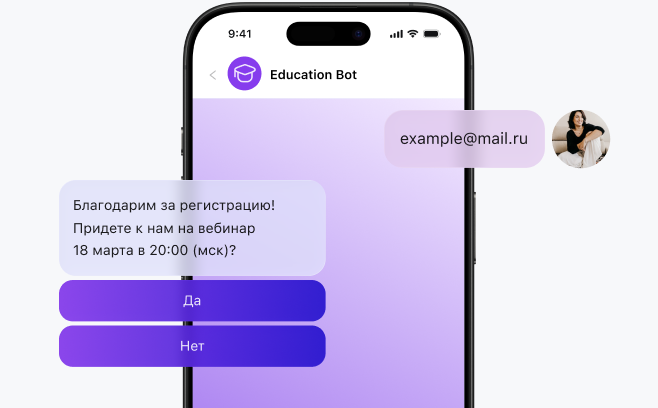
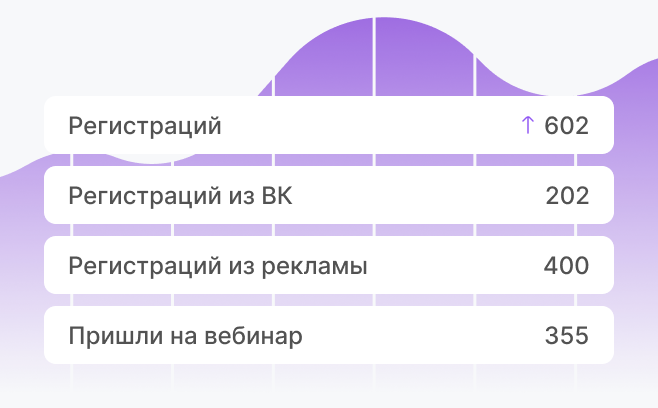
Webinar and event registration

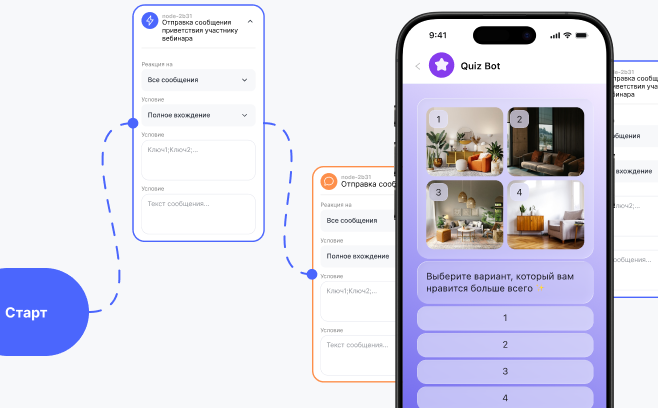
Quiz

Multiple choice questions

Interactive menu

Buttons to select the right context

Analytics

Instant export of data to online spreadsheets

Conversation assignment

Automatic assignment to the responsible agent

MAX Channel

New customers from MAX, through ChatApp

Connect the MAX channel via ChatApp in minutes. We’ll show you on a demo how to set up the integration and start receiving leads from MAX today.

Connect MAX (3 days free)

Integrations

Your CRM + MAX in one window

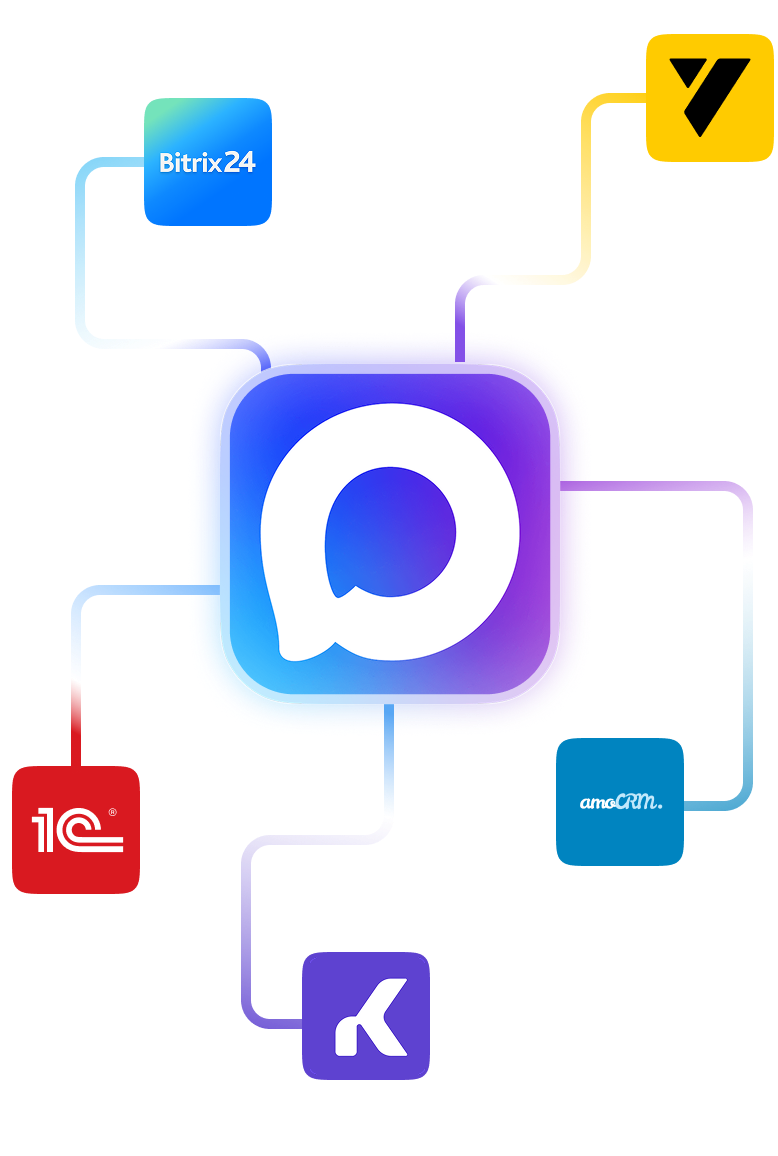
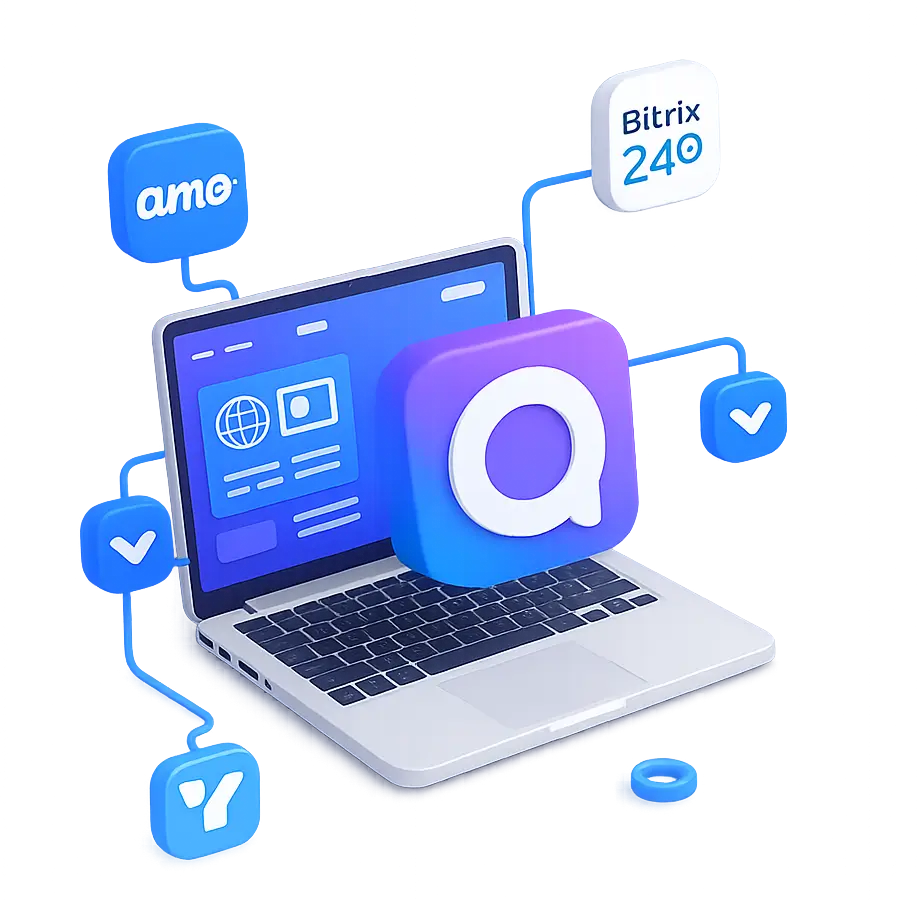
Ready-made integrations with Bitrix24, AmoCRM, Yclients, and 1C. Or connect any CRM system via open API.


All integrations

Capabilities

How MAX helps a business grow

01

Online sales team

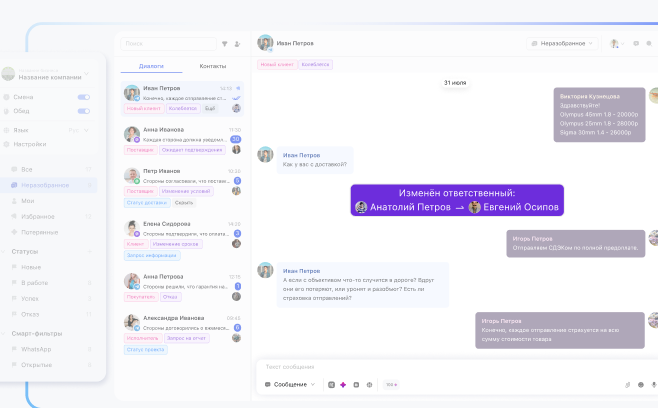
The whole team sees conversation history in a single window. Sort by folders and funnel stages.

02

Higher conversion

Message templates, auto-replies, and quick answers — less manual work, more closed deals.

03

Automation

Bot scenarios via the Scenario builder. Runs 24/7 without a human agent.

04

Scale without chaos

Broadcasts, repeat sales, automation — grow without proportionally scaling your team’s workload.

FAQ

Common questions about MAX

MAX is a young channel with business tools, and it is growing fast. Through ChatApp you run it the same way as any other messenger. It just adds another touchpoint with customers, with no extra effort.

The channel is growing rapidly and already has tens of millions of users. For e-commerce and B2B it is a chance to be where customers start writing on their own, ahead of competitors.

ChatApp takes the technical side: connection, setup, 24/7 support. You get a ready channel that keeps running without interruptions.

The ChatApp interface will feel familiar to anyone who has worked with messengers in CRM systems. Onboarding takes about an hour. We guide you every step of the way — including initial setup and team training.