

Telegram for customer communication: connect the messenger to your CRM
Connect Telegram to ChatApp: your team’s conversations become available in a unified inbox, the communication history stays with the company, and chats can be linked to customers and deals in your CRM.
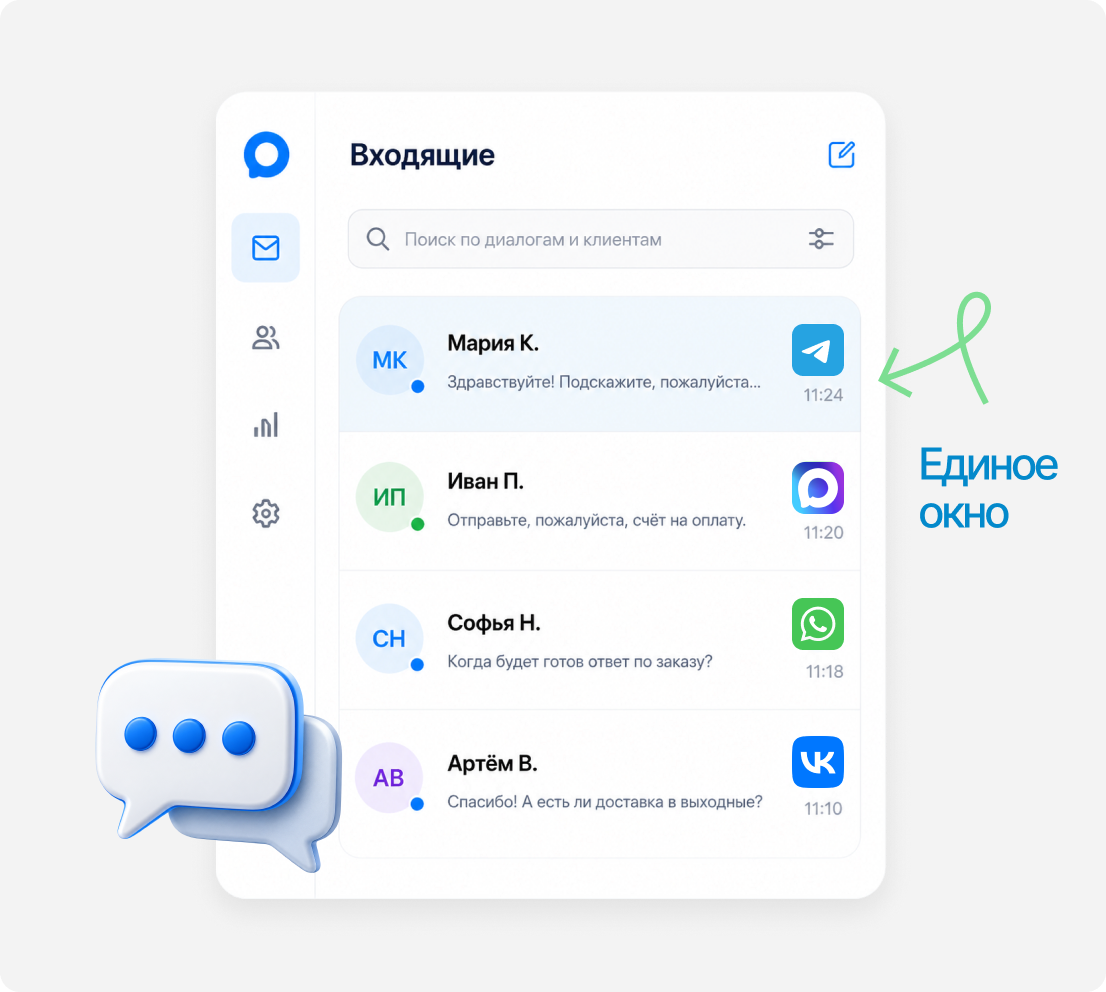
Telegram — together with all your channels in a unified inbox

Keep the conversation going in ChatApp
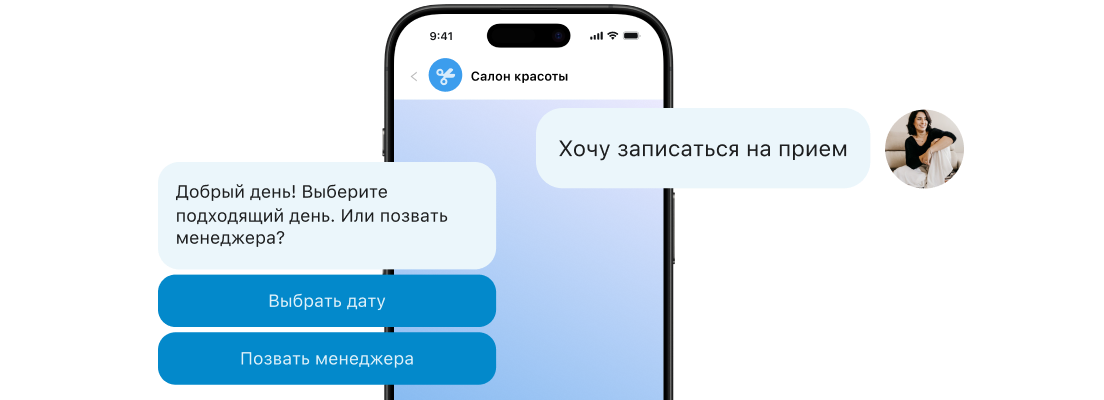
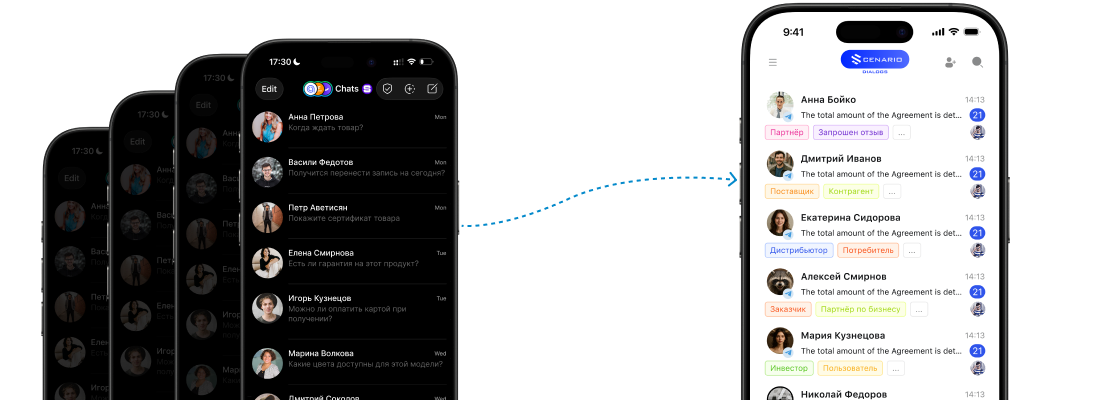
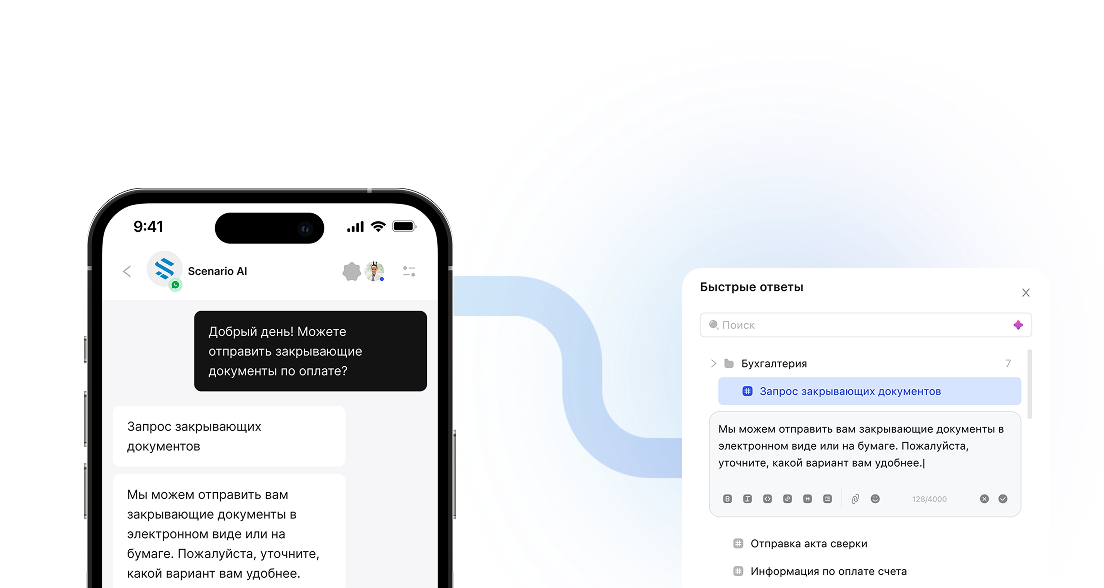
The customer writes in Telegram, and the manager replies from the ChatApp unified inbox.
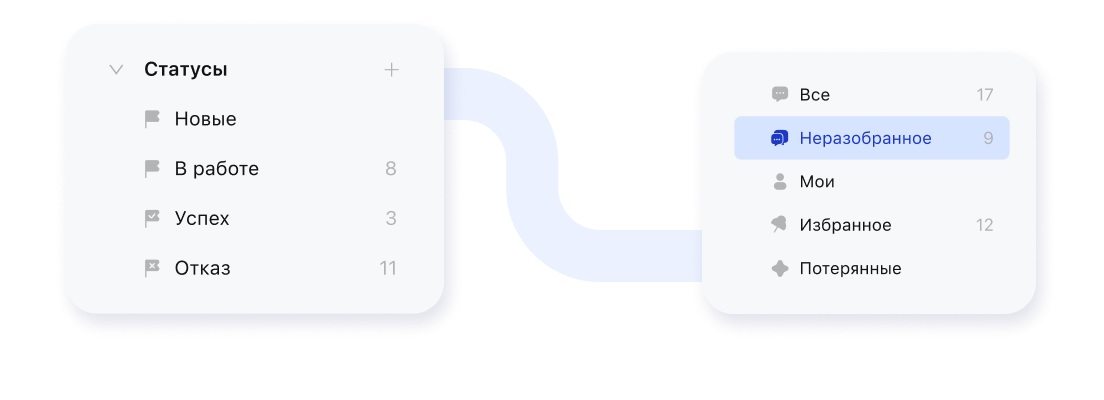
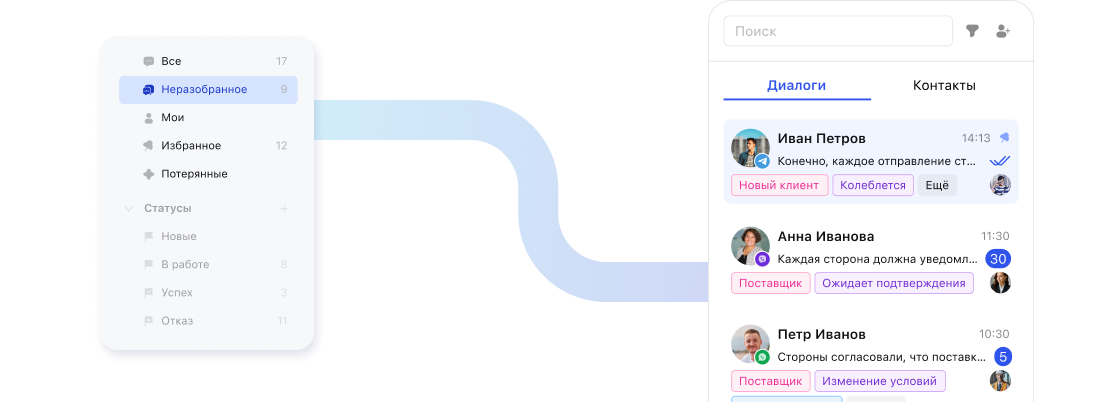
The whole team sees Telegram conversations
Chats sit alongside WhatsApp, MAX, VK and other connected channels.
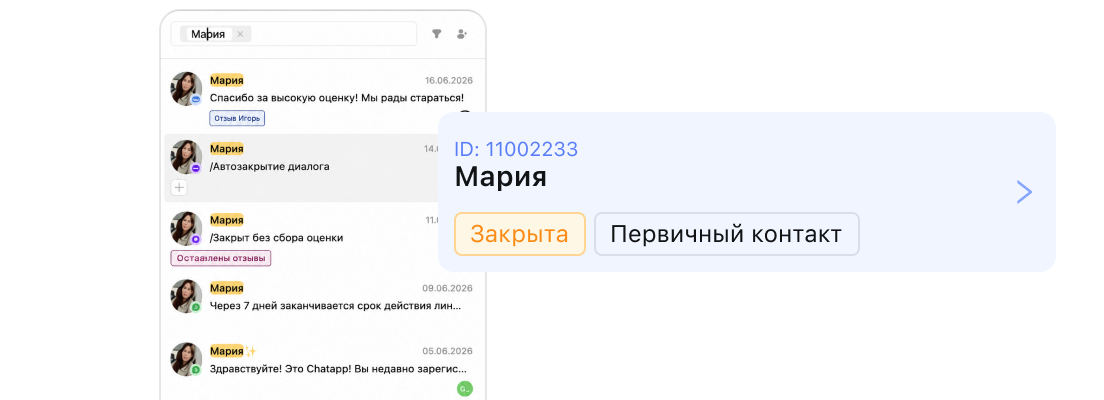
The entire communication history in one place
It’s clear who replied to the customer, where and what they said.
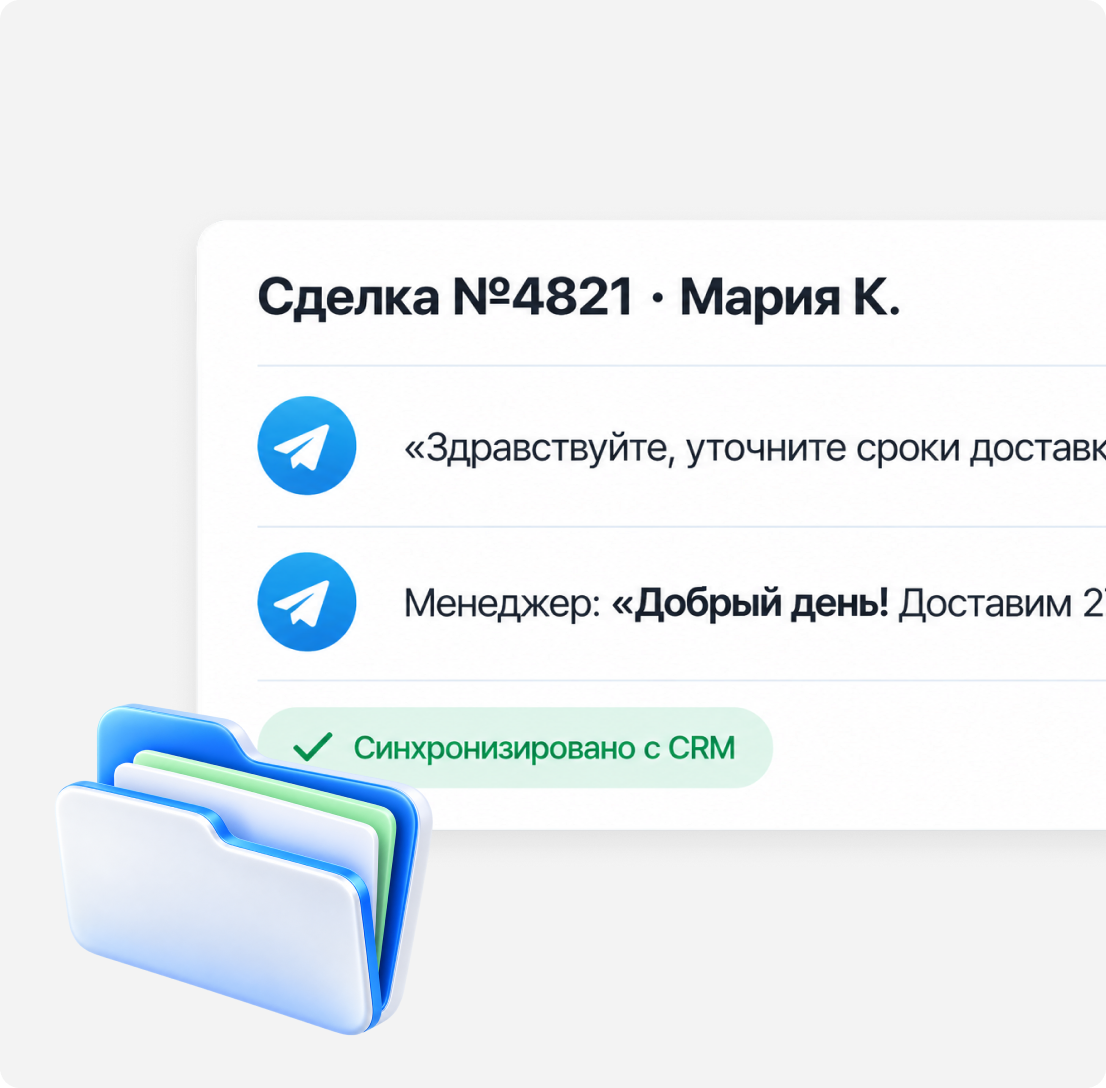
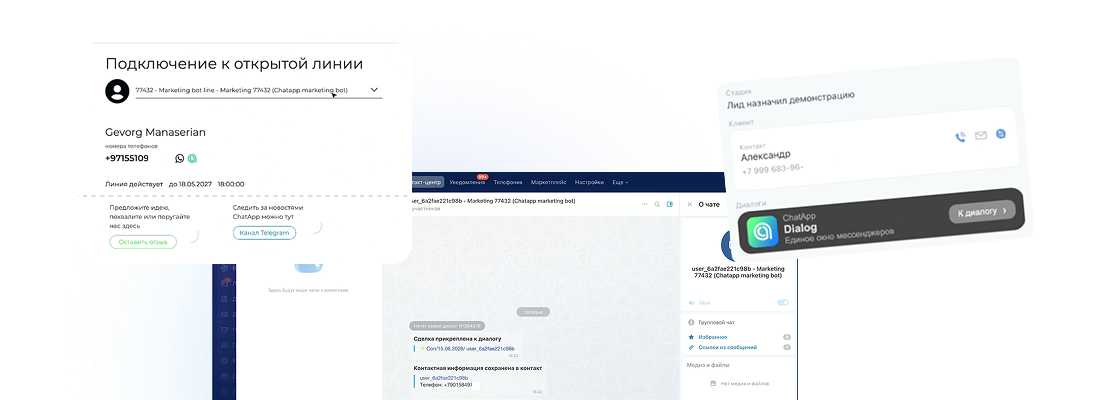
A Telegram conversation lands in the CRM deal card automatically
Stop copying conversations by hand
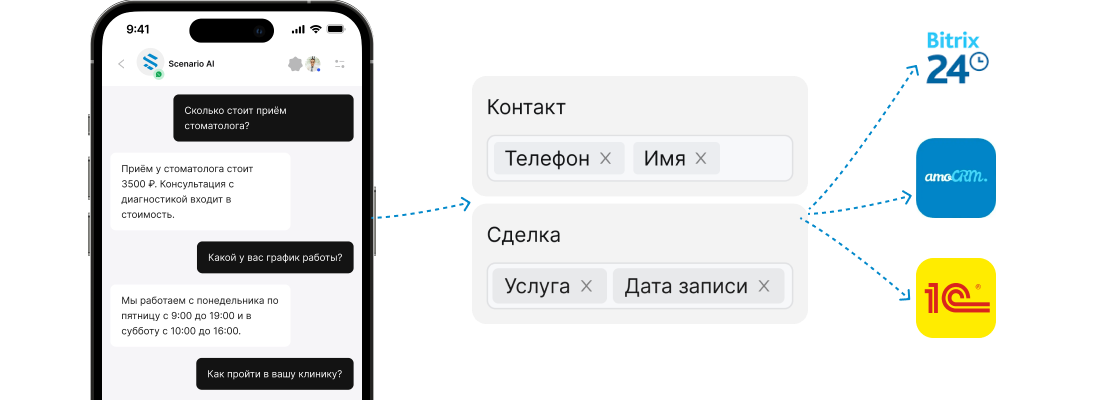
A Telegram conversation is automatically linked to the right customer in the CRM.
Work in the CRM you already use
The integration works with amoCRM, Bitrix24 and other CRMs.
Create contacts and deals automatically
If the customer isn’t in the CRM yet, a new conversation can create a contact or deal card.
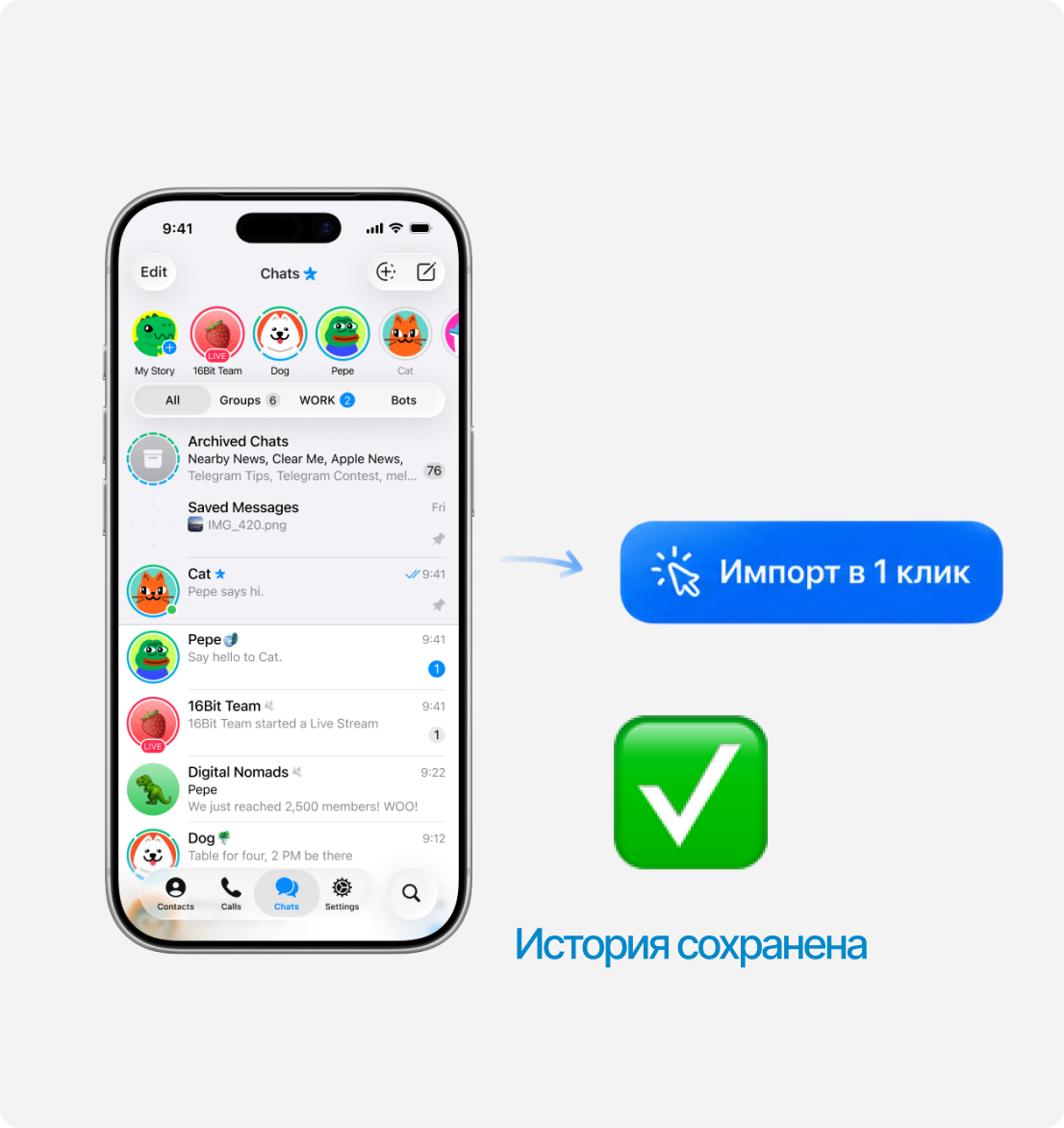
Team leads see Telegram conversations and keep the customer base with the company
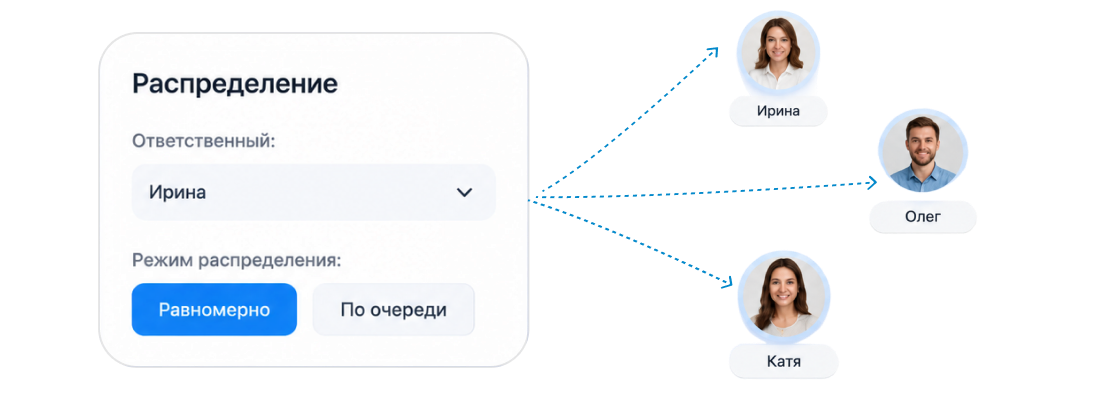
Oversee employee conversations
The sales lead or owner sees work conversations without having to ask for access to the manager’s device.
Monitor the quality of customer communication
Review employees’ replies and the agreements recorded in the chat.
Don’t lose customers when staff change
If a manager leaves, the communication history and customer contacts stay with the company.
How to get started with
Telegram in ChatApp fast?
What changes for your teams after connecting ChatApp
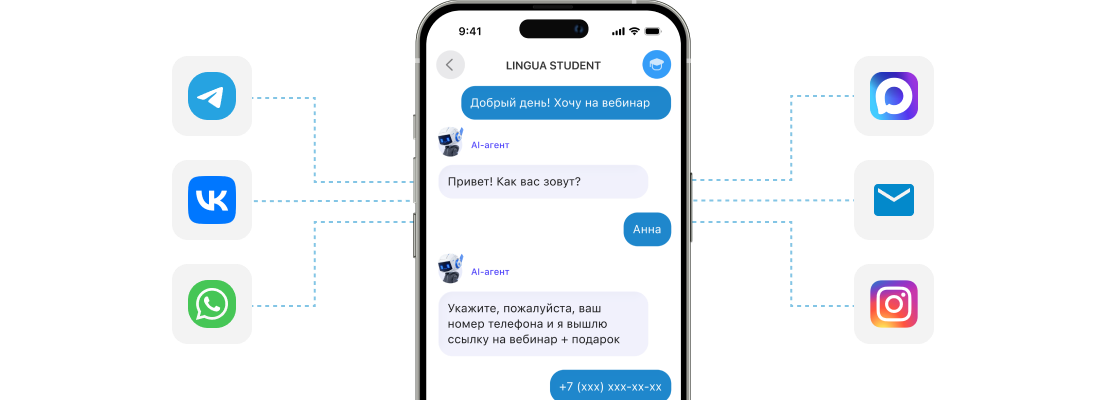
Personal Telegram vs. Telegram bot: what’s the difference?
 Personal Telegram
Telegram bot
Personal Telegram
Telegram bot

Need a Telegram Bot to automate communication?
Use a Telegram Bot for scenarios where you need to reply automatically, collect data or route requests.
Why Telegram may ban a number and what to do after a ban
Messaging from a personal number can sometimes raise suspicion with Telegram.
Messaging without consent
Messages to cold contacts that look like spam to the customer. "Spam" reports from recipients are the main ban trigger.
New number and a sudden spike
You’ve just registered a number and immediately send dozens of identical messages to strangers. Anti-spam algorithms react almost instantly.
Unofficial API
"Userbot" scripts and emulators instead of the official Telegram API and Bot API are a direct violation of the platform’s rules.
Content and links
Shortened links, the same text for everyone and "loud" offers increase complaints and trigger anti-spam filters.
What to do after a ban
Related articles
WACA Pricing Changes Effective October 1, 2026
On October 1, 2026, Meta will change the rules for message pricing in the WhatsApp Business Platform. The main change...
Read more 17.10.2025WABA Mailings Allowed!
Now you can send bulk messages via "white" WhatsApp (WhatsApp Business API or WABA)! Yes, it was officially allowed! And...
Read more 17.10.2025Pay for WhatsApp Business API in Russian rubles
No hidden fees or commissions
Read more 17.10.2025Now paying for WhatsApp Business API becomes even more convenient
Now you simply buy a package and pay for dialogs in a single price.
Read more 17.10.2025Automate the conference process through ChatApp
The company conducts business and management conferences through instant messengers ChatApp
Read more 17.10.2025Increase the number of applications with a free widget for the ChatApp website
Increase the number of applications with a free widget for the ChatApp website
Read more 17.10.2025Increase the number of leads and sales with a free web widget
Web widget increase site conversion and reduces cost per lead
Read more 17.10.2025Write to clients first in Telegram
You can write first directly from CRM by connecting ChatApp to your project. The service easily adapts to business and...
Read moreTelegram integration FAQ
Yes, with a personal Telegram account. A personal account won’t be banned if customers reply or if you keep a long pause of 20–30 minutes. Broadcasts are also possible via a Telegram bot if customers have already opened the bot and started a conversation with it.
If your managers talk to customers from personal numbers, you can connect an unlimited number of Telegram accounts and receive messages in the ChatApp unified inbox.
Yes, with a personal Telegram account. There are no restrictions for usernames, but when starting a conversation by phone number you may run into a customer’s private profile — then you won’t be able to message them. In most cases customer profiles are standard, and you can reach them by phone number and username.
Yes. It’s recommended to message no more than 15 new contacts a day, and if you exceed the limit, only 5 the next day. You can also sync the contacts of the phone where the personal Telegram is installed — then there are no limits.
Relying on one messenger is a risk: bans, slowdowns, and part of your audience doesn’t use it. ChatApp brings Telegram, WhatsApp and MAX into one inbox and the customer card in your CRM — you reply from one interface, and customers write wherever it suits them.
Requests won’t be lost: the customer can keep writing in WhatsApp or MAX, and you reply from the same ChatApp inbox. That’s why we recommend keeping several channels connected.
The unified inbox interface is familiar to anyone who has worked with messengers in a CRM. Basic training takes about an hour, and we support initial setup and team onboarding at every stage.
No, ChatApp takes care of it. Customers write to your Telegram number, and you see all their messages in the unified inbox — no extra software needed to deliver Telegram messages.
Get new customers from
Telegram with ChatApp
Connect Telegram to ChatApp and bring conversations, teamwork and your CRM together in one workspace.
