Contact support:
Contact support
Free Trial Log in
Select country or language

Scenario AI integrate an AI employee into your business in minutes

The Scenario AI agent works inside ChatApp: it conducts dialogues in the bot builder, collects data, and triggers scenarios. No OpenAI required, no external API connection or complex integrations needed.

Scenario AI not just a smart chat, but a managed stage of a business process

See for yourself

Other AI services

  • Requires an OpenAI key, API setup, working with variables
  • Isolated chat with no connection to business processes
  • Rigid logic or unpredictable off-topic responses
  • No knowledge base, or a separate integration is required
  • One request — one response, with no context awareness
  • Responses remain scattered messages
  • Manual processing of results is required

Scenario AI

  • Works out of the box inside ChatApp, no API or external services needed
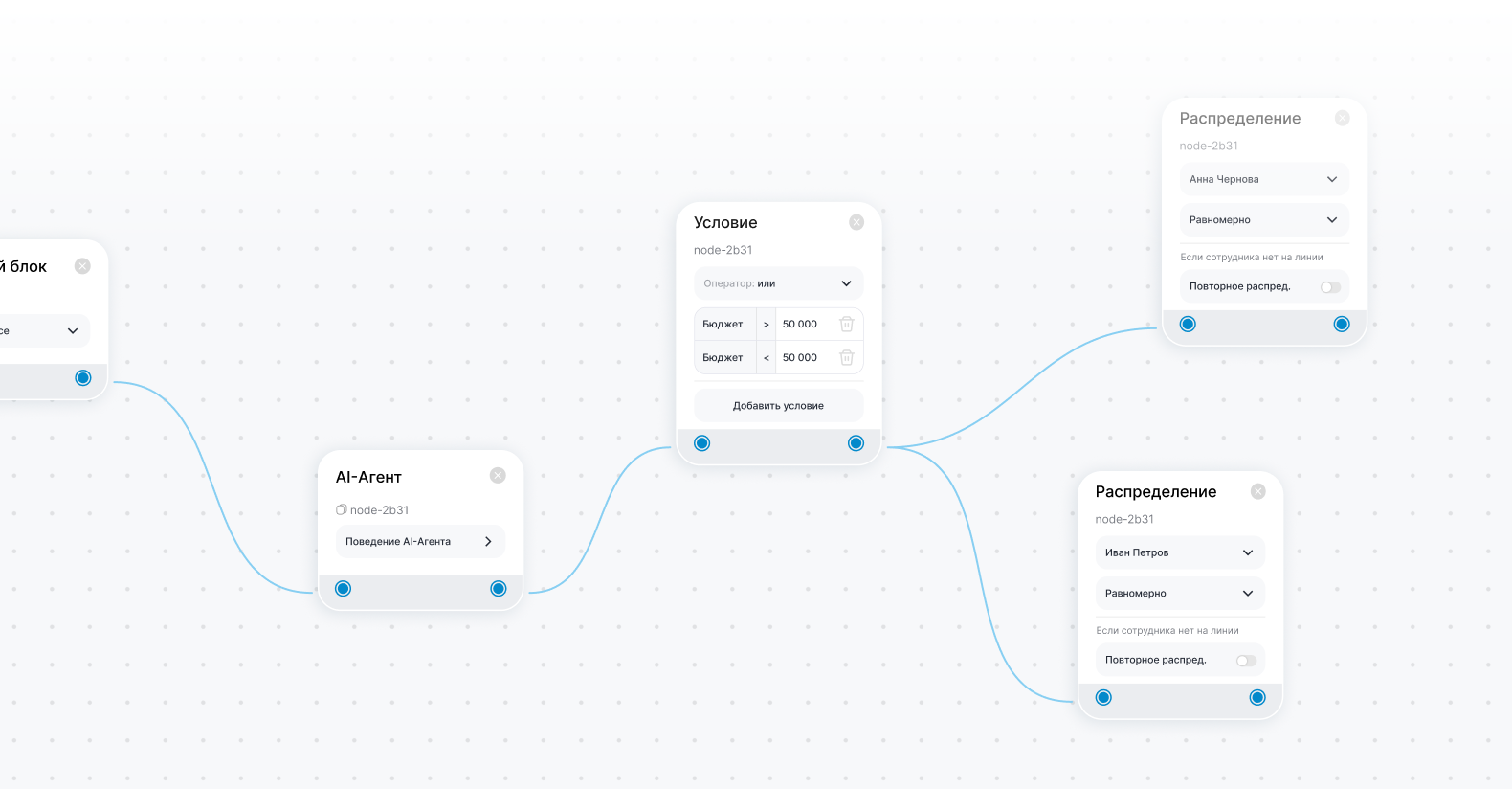
  • Passes results to scenarios: CRM, routing, distribution
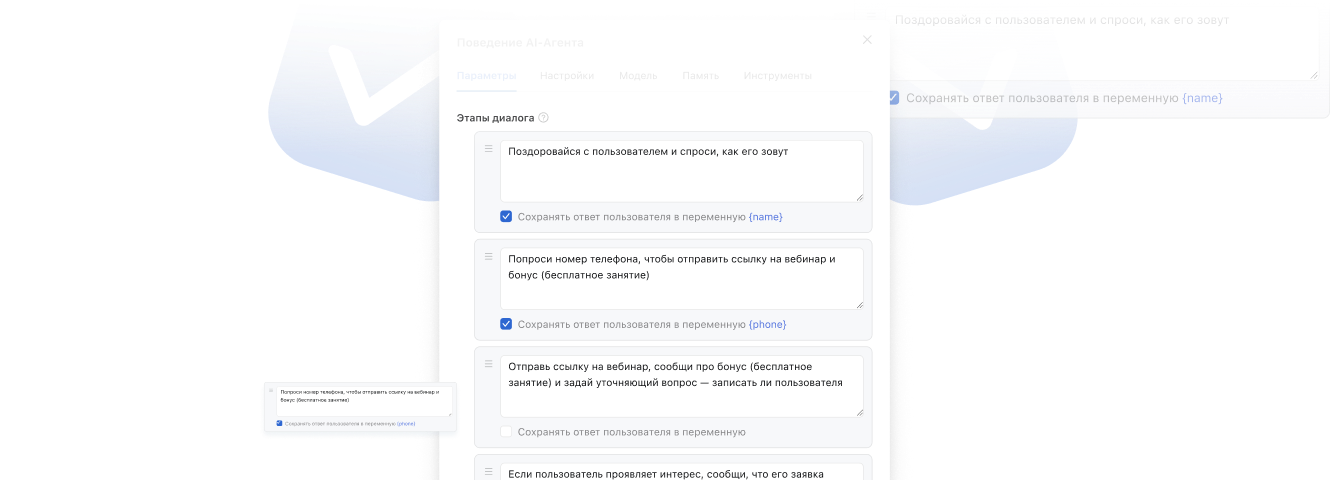
  • Managed dialogue: stages, questions, branching, variables
  • Built-in knowledge base: files, websites, answers based on your business data
  • Conducts dialogue in stages, takes context and role into account
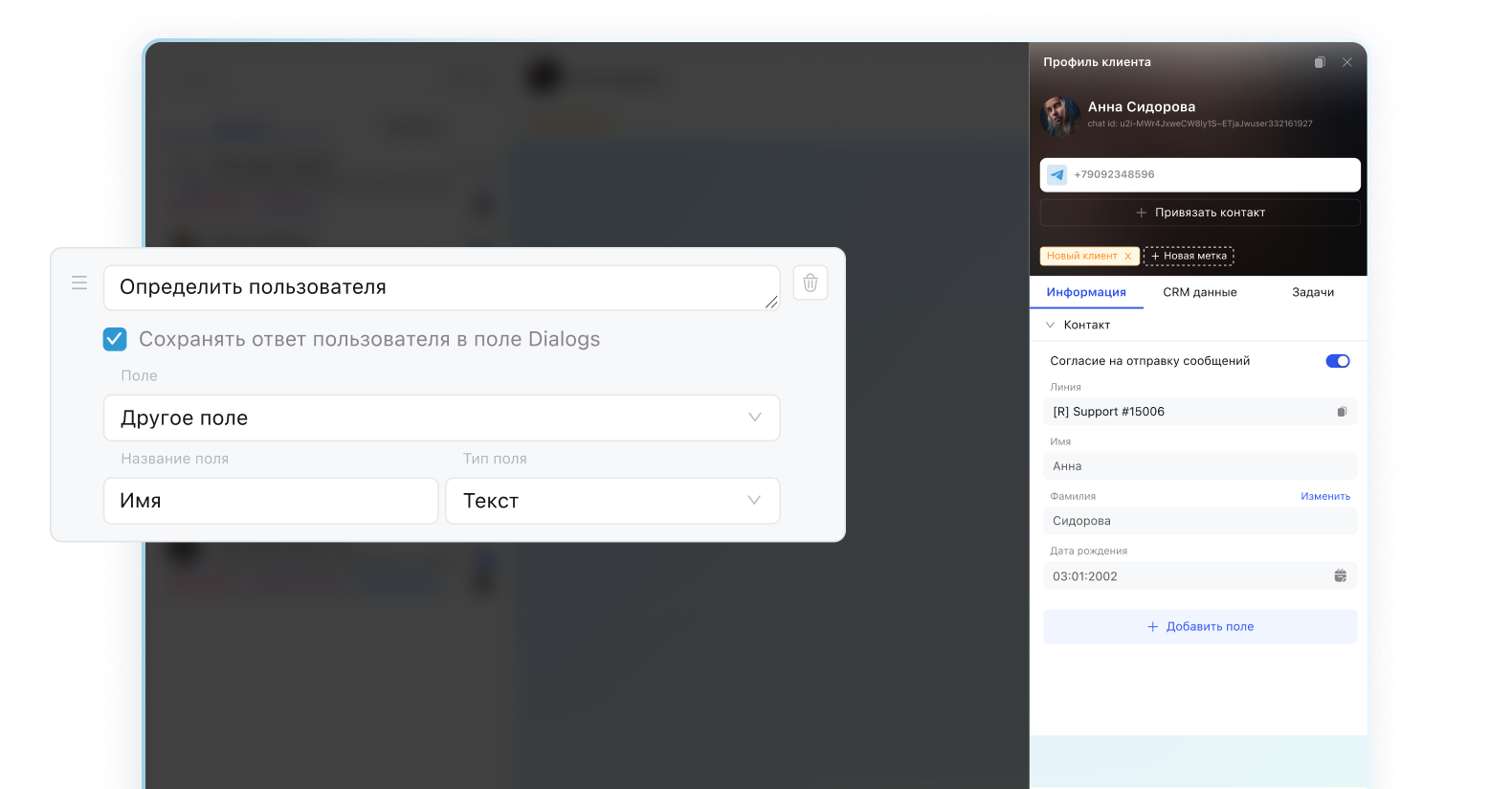
  • Saves data to variables and fields, available for analysis
  • Ready structured data for automation

What's inside Scenario AI

4 components that work as a unified system

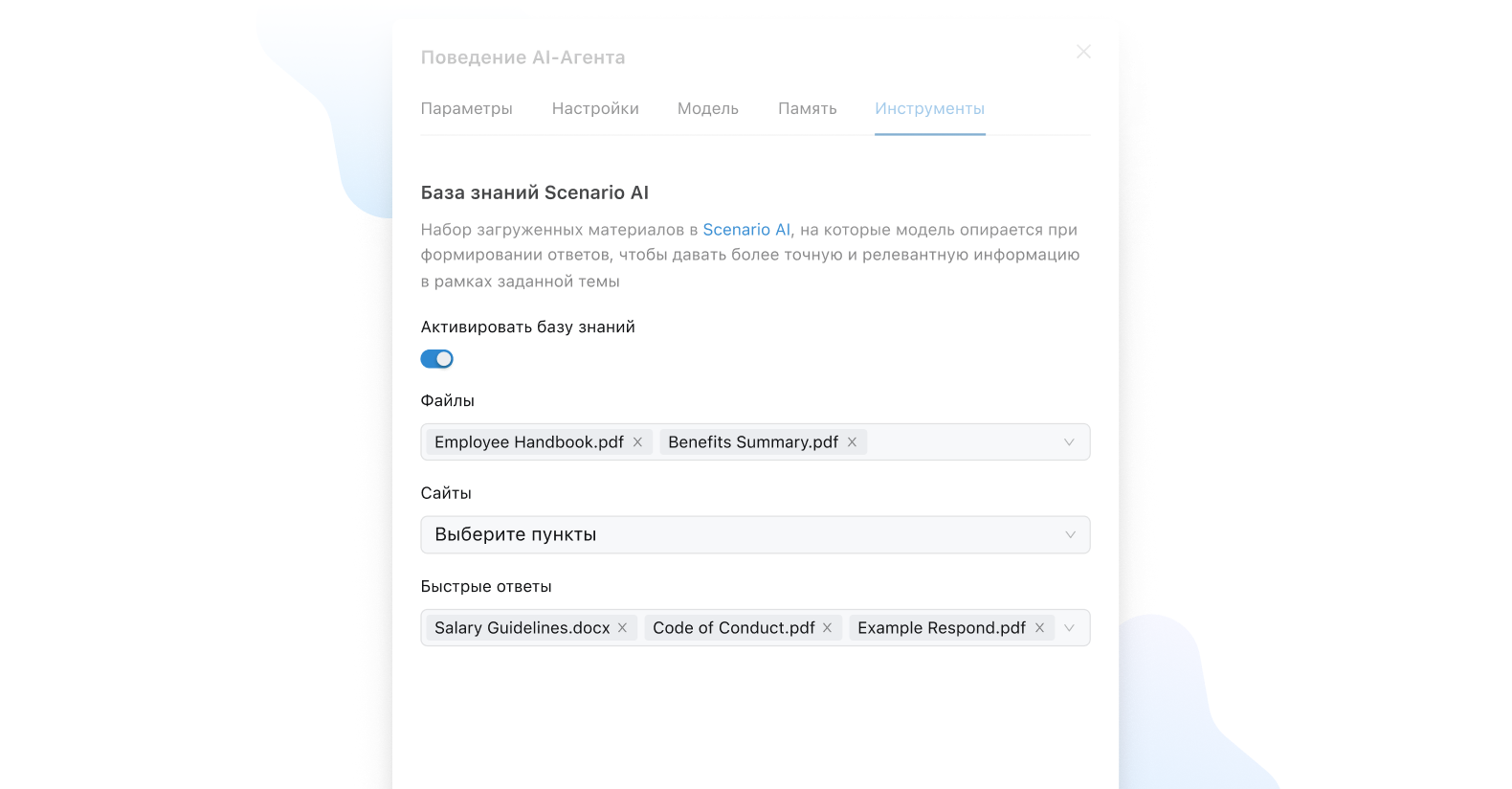
Scenario AI Knowledge Base

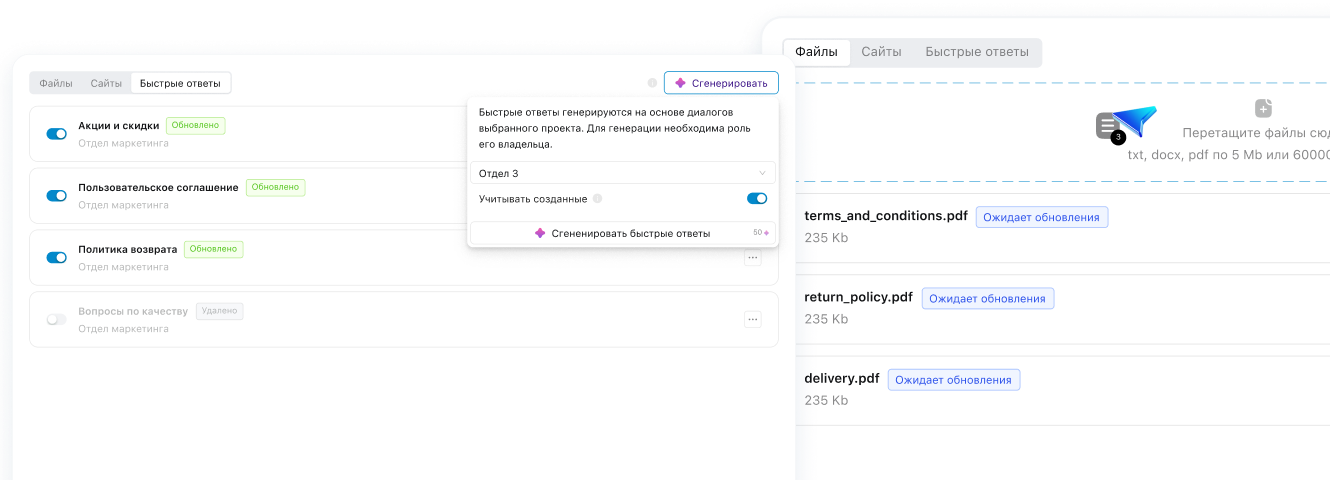
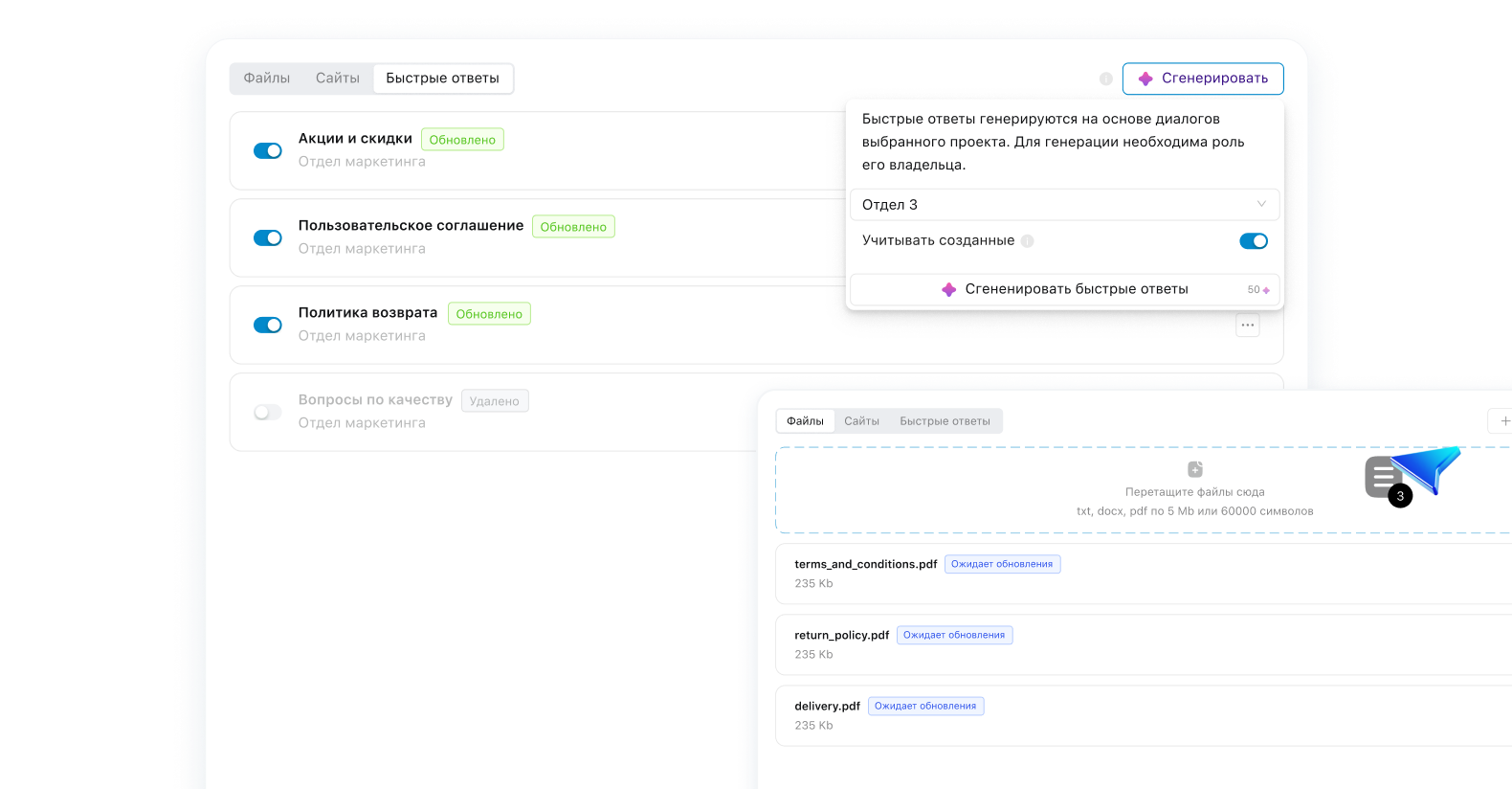
Upload files, connect websites. AI relies on real business data, not generic guesses

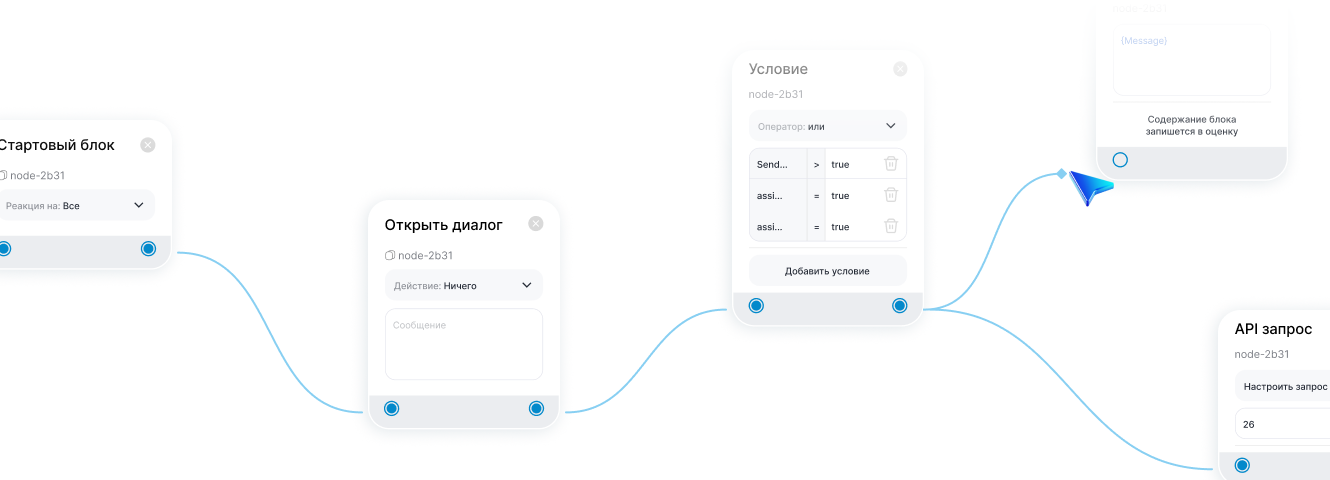
Bot Builder

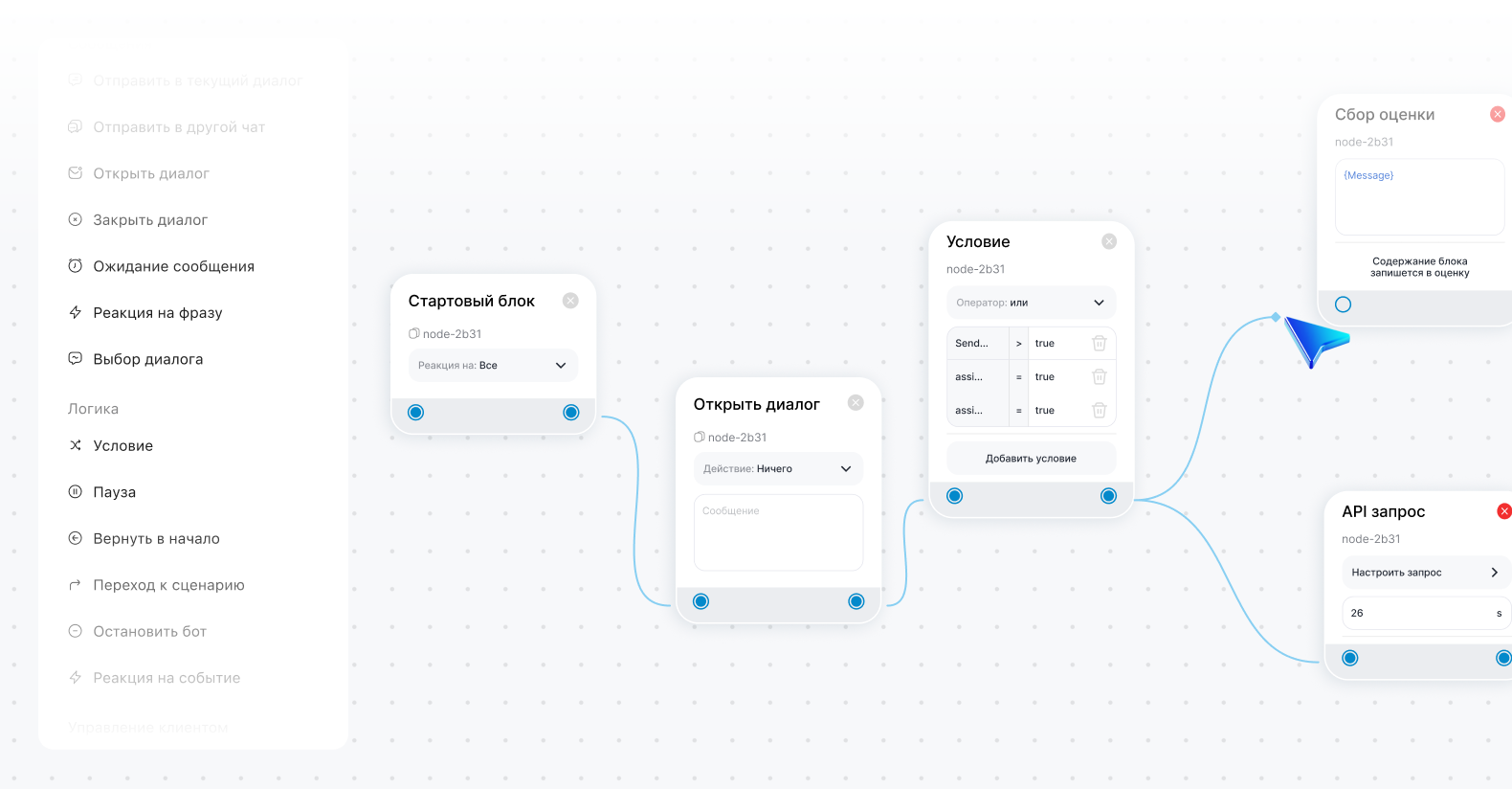
Visual setup of dialogue scenarios, connecting AI to chat actions, CRM systems, and automation
AI Agent Block

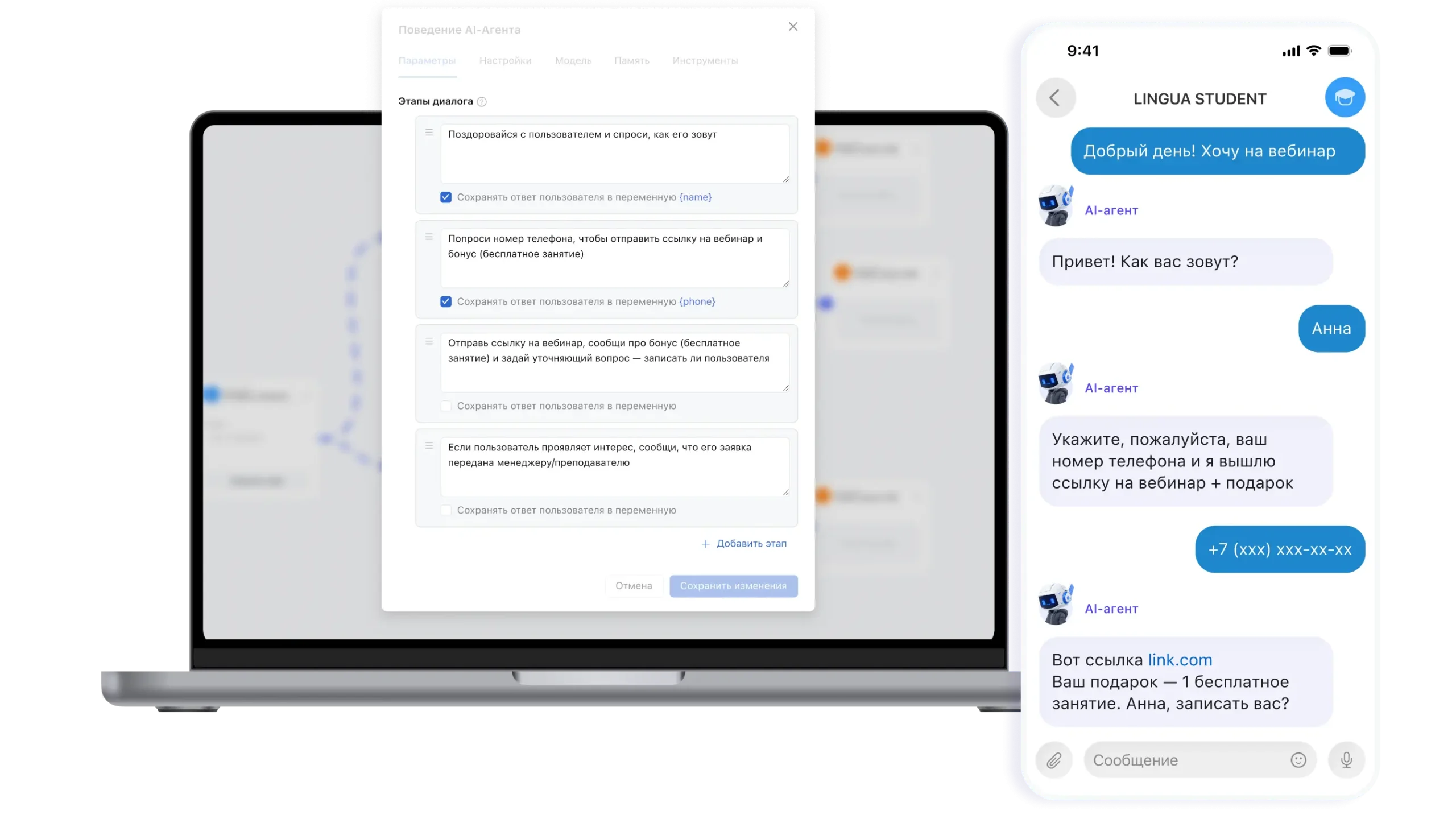
An updated block inside the Bot Builder that allows you not just to make a one-time call to the model, but to build a managed, staged dialogue with the user
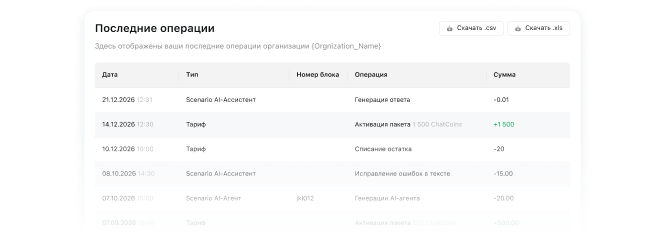
ChatCoins Spending History

Full transparency: see every charge, control your budget, and export reports
AI without barriers

No foreign transfers, no API, no complex integrations. Everything already works inside ChatApp with payment in your local currency — you just need to get started

  • Signing up for OpenAI
  • Configuring API keys
  • Opening foreign accounts
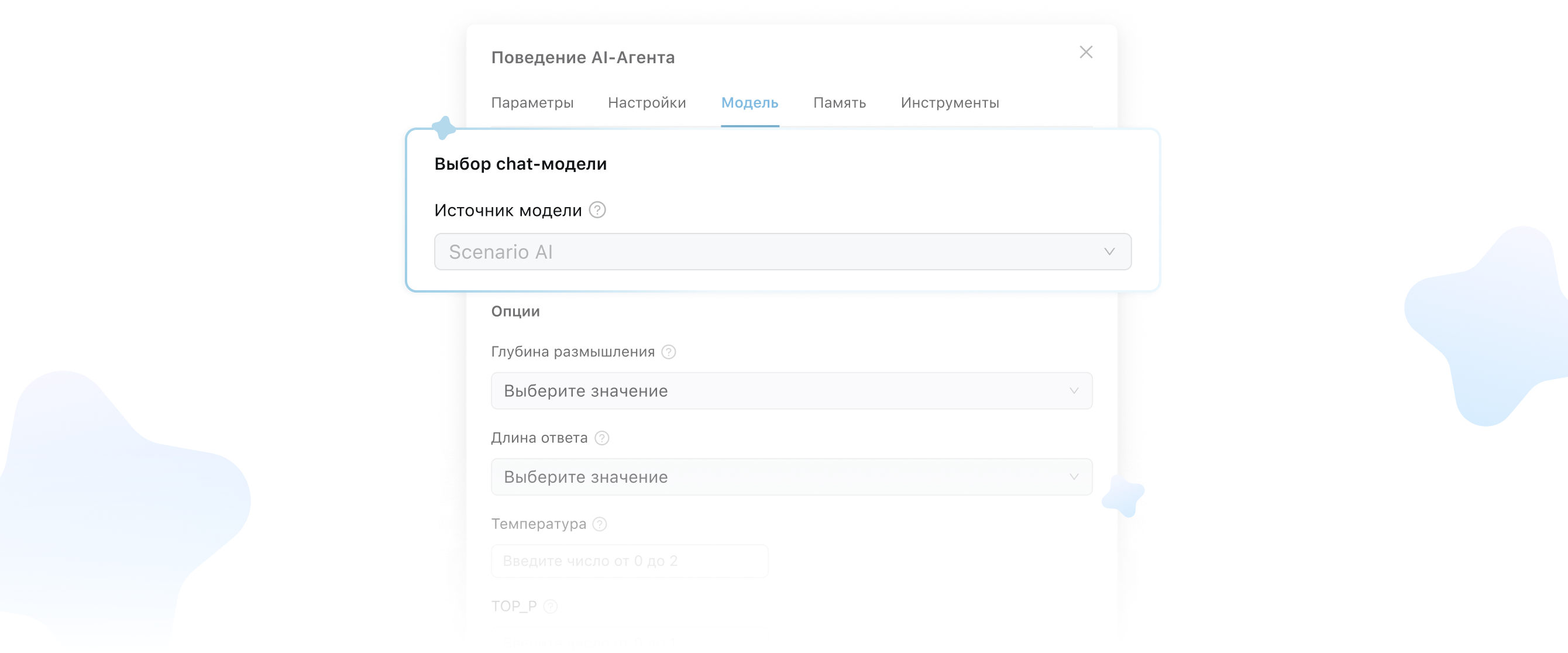
  • Choosing and configuring a model

You skip all the extra steps with Scenario AI

AI Operator Setup Guide

A detailed walkthrough of every setup stage and the logic behind it

Read the article

Video Setup Tutorial

A visual walkthrough of the setup process — from the first step to launch

Watch (Coming soon)

Full Setup Course

2+ hours of lectures: learn to create AI scenarios and work with the agent on real cases

Go to course (Coming soon)
From launching your AI operator to first results

Build your scenario in the bot builder — set the foundation for how the AI operator works

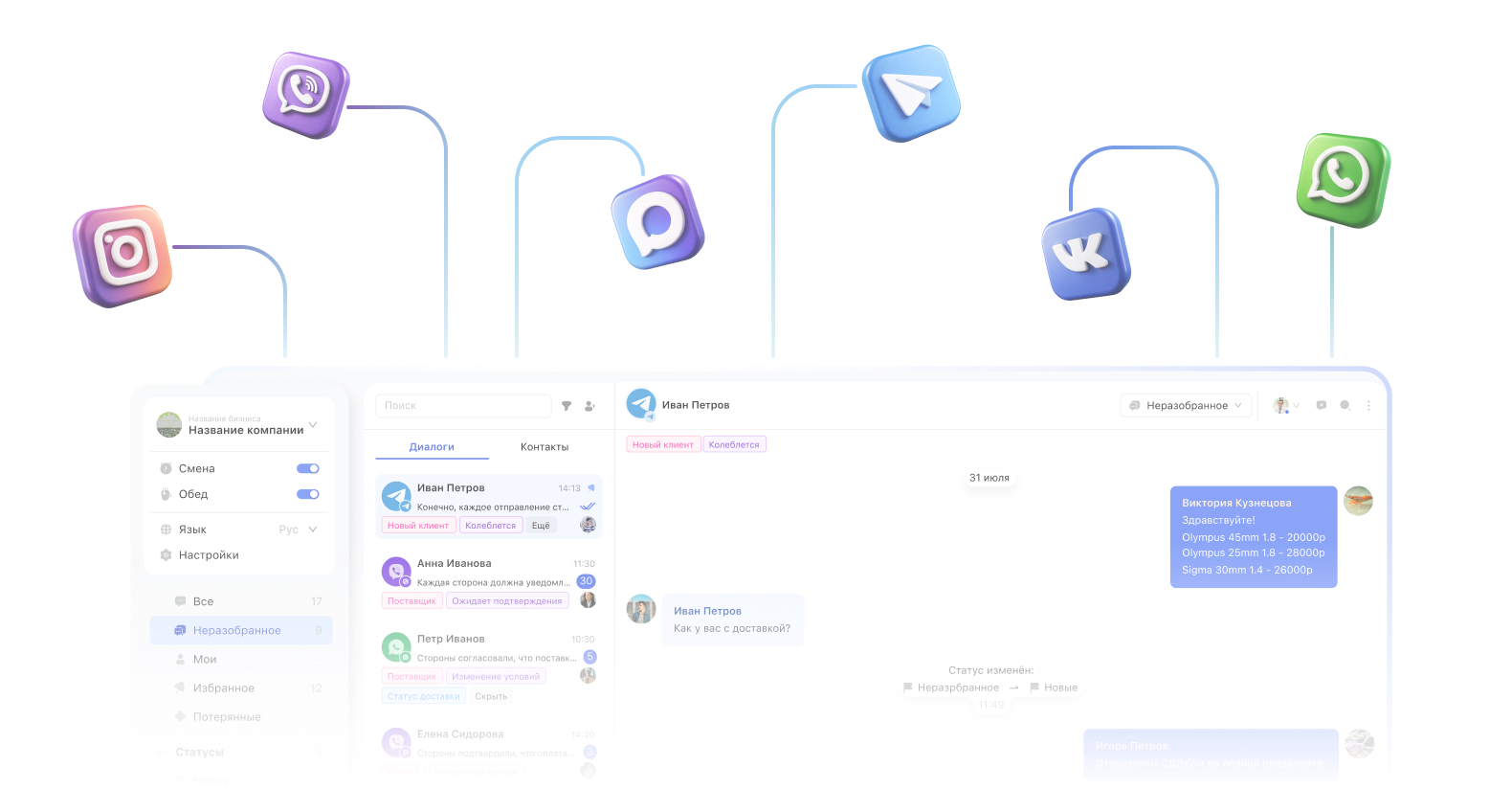
Add messengers, social networks, and other channels — the AI operator will start handling requests in each of them

Build your knowledge base: texts, files, and quick replies that AI learns from

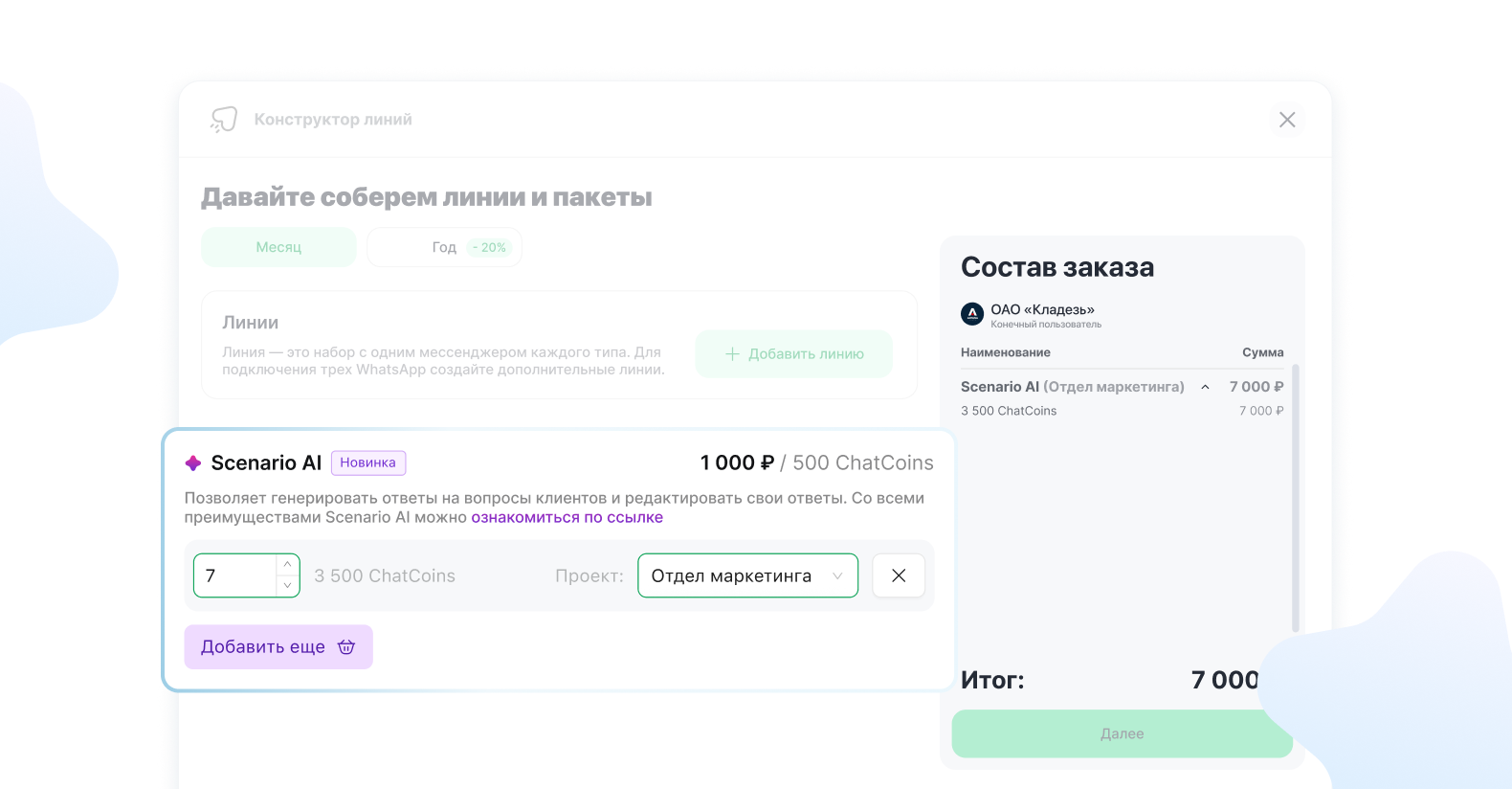
Top up your ChatCoins balance and choose the number of dialogues you need

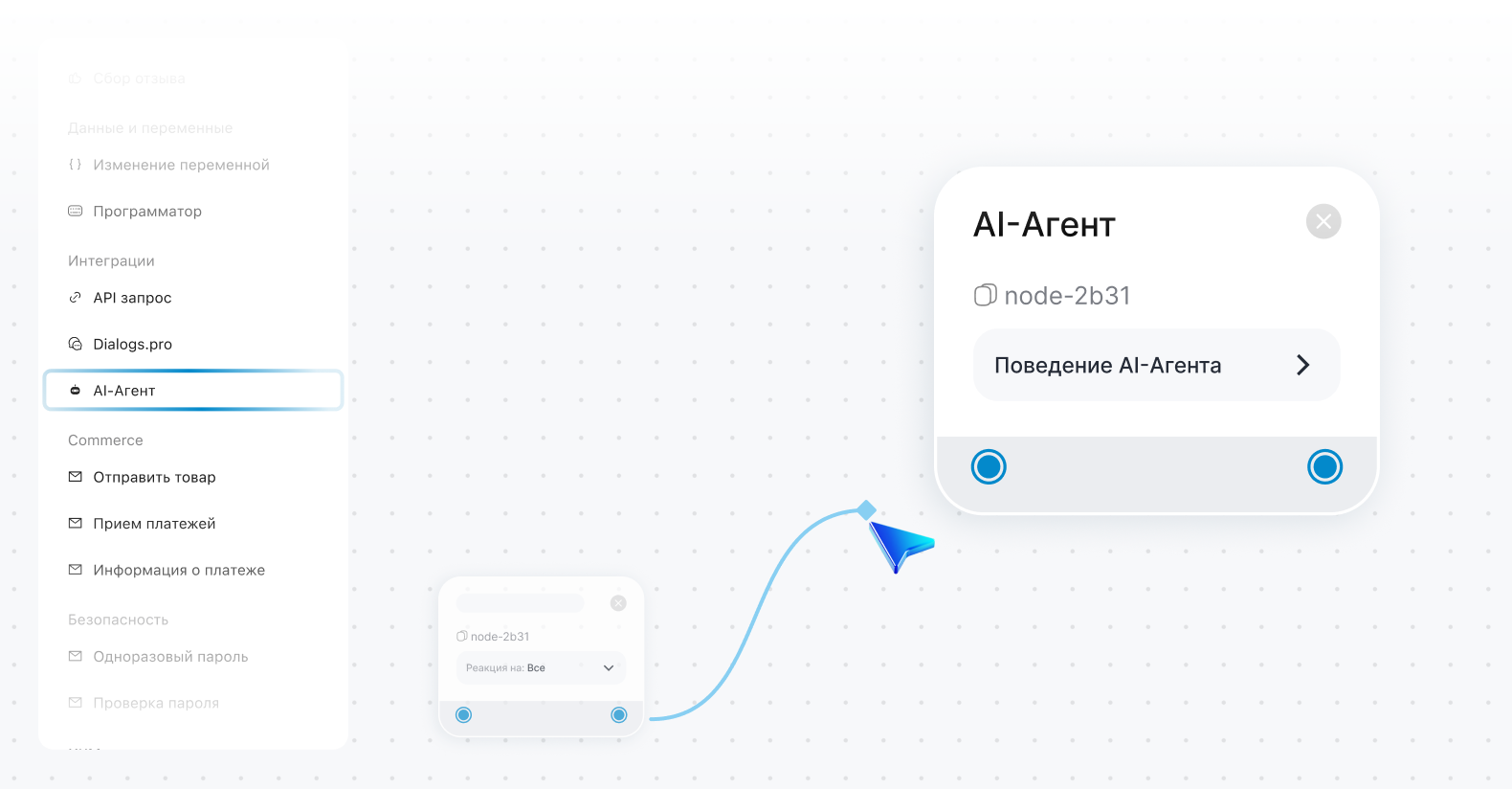
Add the AI agent block to your scenario to launch the dialogue

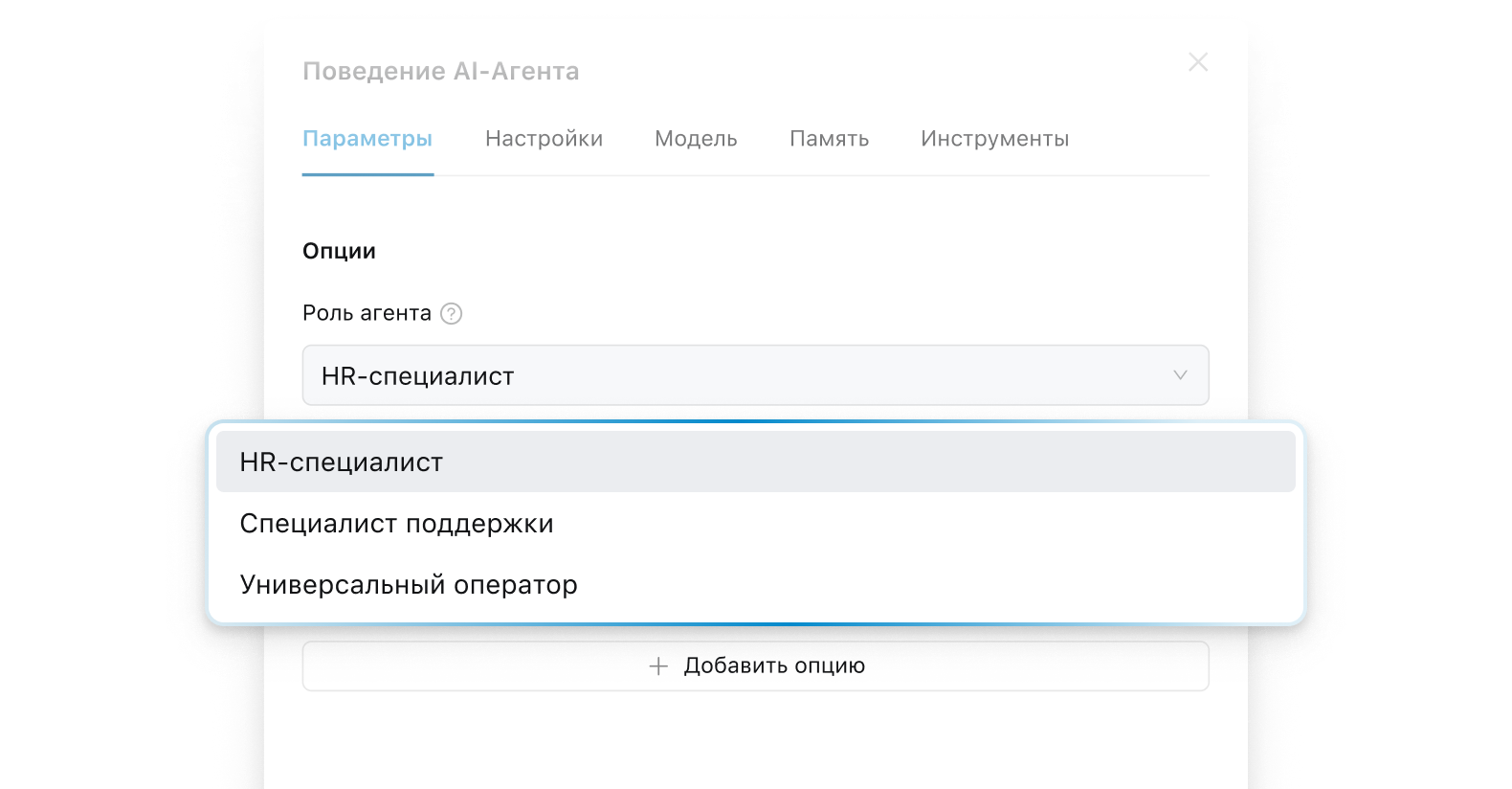
Choose the AI operator's role: HR, support, or a universal scenario

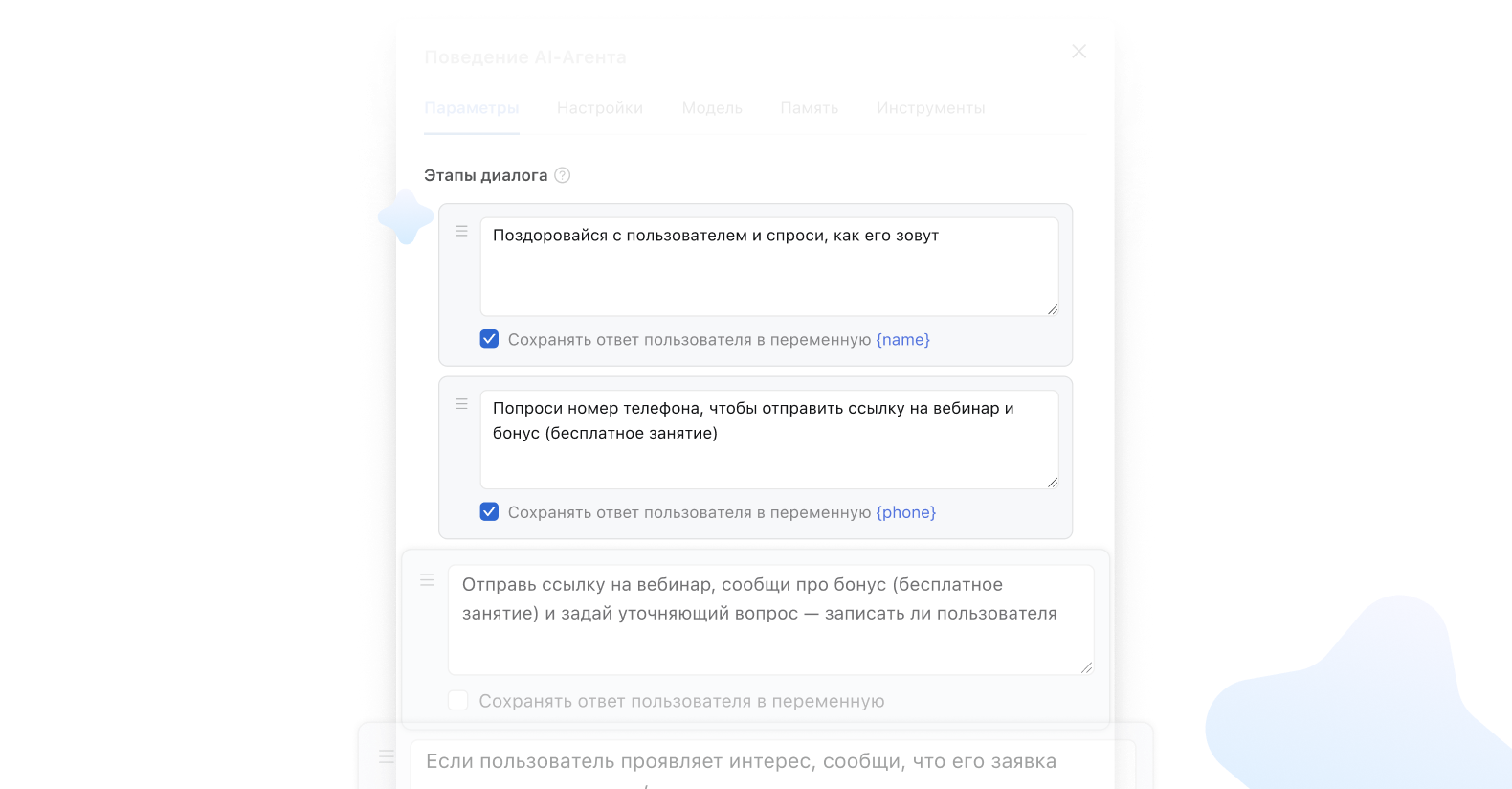
Configure the stages and questions that AI asks the user step by step

Connect the AI to the knowledge base for more accurate and relevant answers

Save user responses to variables and dialogue fields

Pass data into the scenario: distribution, escalation, or handoff to a manager

Handle up to 80% of routine dialogues without staff involvement

HR & Recruiting

  • AI agent greets the candidate
  • asks about experience, background, and preferred work format
  • saves the responses
  • passes a ready-made candidate card to the HR specialist

Technical Support

  • clarifies the issue
  • collects device information
  • determines the request type
  • routes the request to the appropriate queue

Universal Assistant

A flexible solution that can be configured for any task:

  • processes incoming requests
  • qualifies leads
  • captures data in the dialogue and passes it to the right department

How many ChatCoins you need for stable AI operator performance

#1

Purchase ChatCoins in your currency
₽ • $ • ₸

#2

ChatCoins are spent only on actual AI requests

#3

You can track every ChatCoins deduction

Average cost from 5,000 ₽ per month
~ 500 customer requests

You can choose a ready-made solution — it's faster to launch and costs less.
Or order custom development — the AI bot is fully adapted to your processes and business requirements

Calculate the cost of your AI bot

Enter the approximate number of customer dialogues per month

4 500
0 10,000+
Cost 69,440 ₽
up to 1,000 dialogues ~ 8 ₽/dialogue

Want to discuss launching AI in your department?

Write to our bot. Answer a few questions and our specialist will help you choose the right AI employee for your needs.

Ask about an AI employee

Implement AI today

Free yourself from routine. Increase conversion in dialogues

Demo Access

Try the AI operator in action and see how it handles dialogues

Get demo access

Partnership

Connect clients and earn by implementing AI solutions

Become a partner

Builder

Create your own AI operator and configure scenarios for your business needs

Open builder

Knowledge Base

Learn how to set up AI and use it as effectively as possible

Go to Knowledge Base

FAQ

No, everything runs through our infrastructure. You simply purchase ChatCoins.

The Scenario AI agent works without external keys on an internal multi-agent architecture. This allows us to manage the logic and optimize costs.

The cost is calculated based on the average number of neural network calls in a single customer dialogue. You always see exact deductions in the spending history.

We use a multi-agent approach — the system selects the model based on context and task automatically.

In the current version — text documents (up to 5 MB, up to 10 files). The list will expand in future updates.

Yes, you add a URL, the system finds the pages, and you select the ones you need.

Yes, you can enable group replies in the bot settings.

Integrators and agencies: create customized AI solutions for clients using the flexibility of the builder and knowledge base.

Businesses: launch AI for support, sales, and HR without developers and without external API keys. Pay only for actually processed dialogues.