

Messengers integration with Kommo
Handy and reliable integration for communication with customers in messengers and social media
Integrations
Start a chat with a customer
-
Personal user accounts, it may be used by a business when the number of conversations is low
WhatsApp
-
Pusiness account, keeps reputation of serious companies safe. Status of a business account is confirmed with a green tick and distinguishes from other users in the list of chats
WhatsApp Buisness
-
Is registered as a personal account of an employee, use it to start a chat with customers. Take care of customers' databases, allocating accounts for employees and connecting them to ChatApp
Telegram
Receive customers addresses
-
Is a business account, used for receipt of addresses from company's website
Telegram Bot
-
Is a connection of Vkontakte social media business account, works with messages and comments received from social media
Vkontakte
-
Is a business account, used for receipt of addresses from company's website
Viber Bot
-
Processing of addresses received from Avito online classified. Answer to customers in a common window or set up automation and bot
Avito
-
Processing of addresses received from Email. Answer to customers in a common window or set up automation and bot
Email
Platform features
-
Business processes automation
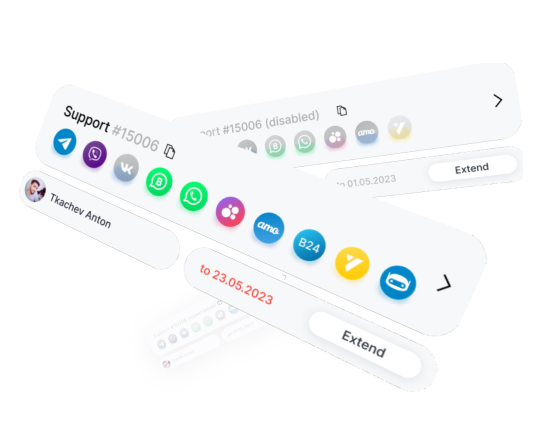
Free trial- Connection of several channels and numbers - enable all channels used by your customers
- Automatic creation of deals and contacts – customers write from messengers and contacts database grows, contacts, profile pictures and chats are saved
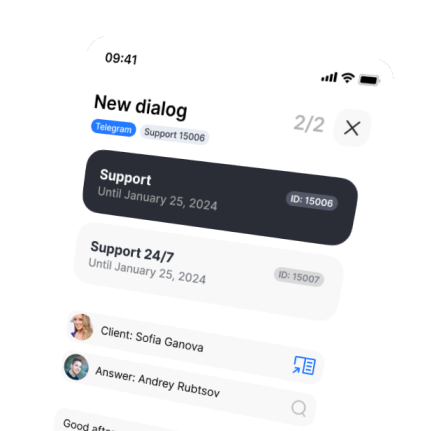
- Full synchronization – saving of all chats from messengers and CRM in a common database
Frequently asked questions
It could be done by selecting a required pipeline in ChatApp integration settings
If messenger icon is highlighted with a color in a deal card then you can write to this customer in the specific messenger
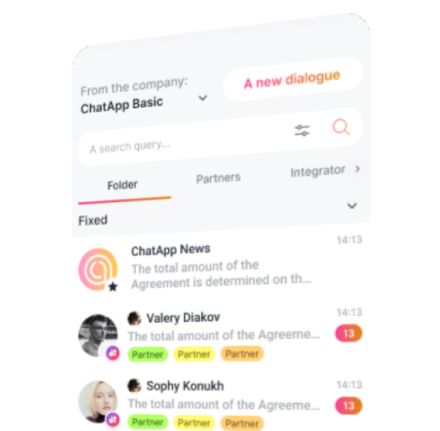
In a deal or contact cards there are messenger icons by clicking on which you can start a chat. You may start a chat with a customer in Kommo by a phone number (@username or client ID for Telegram personal channel)
Yes, you may use ChatApp widgets in Salesbot: send a message, send a file, set a tag, etc
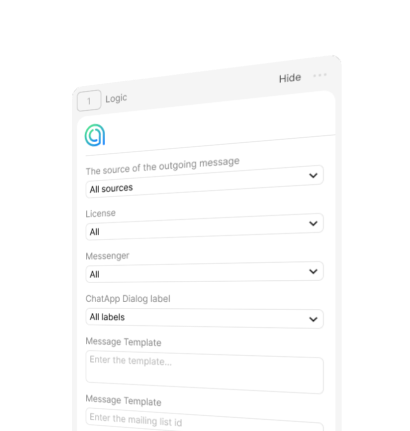
Logic widget will help to set up correct bot's logic and will define a messenger
Yes, you can. Group chats from Telegram, WhatsApp and other messengers are created in special cards that allows to use them as chats of separate groups
- In ChatApp settings switch off «Do not request password for access to WEB» option
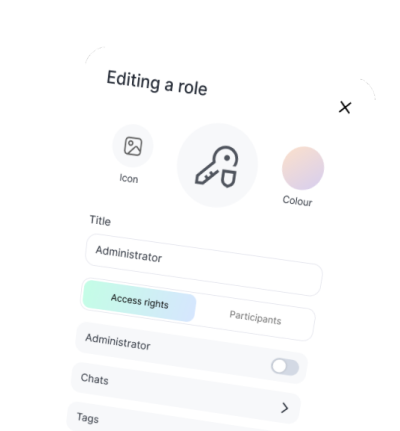
- Create Operator and Controller roles with required rights of access to chats set up rights and roles for employees, as well as provide them access to channels in «My Business» section in the main menu of the Dashboard
- To do so untick the field «do not request a password», and when an employee tries to enter your web chat there will be an authorization window
Why choose ChatApp
Cases


Use our Knowledge Base or leave a request and we will contact you soon.
Knowledge base